Begin with the working set
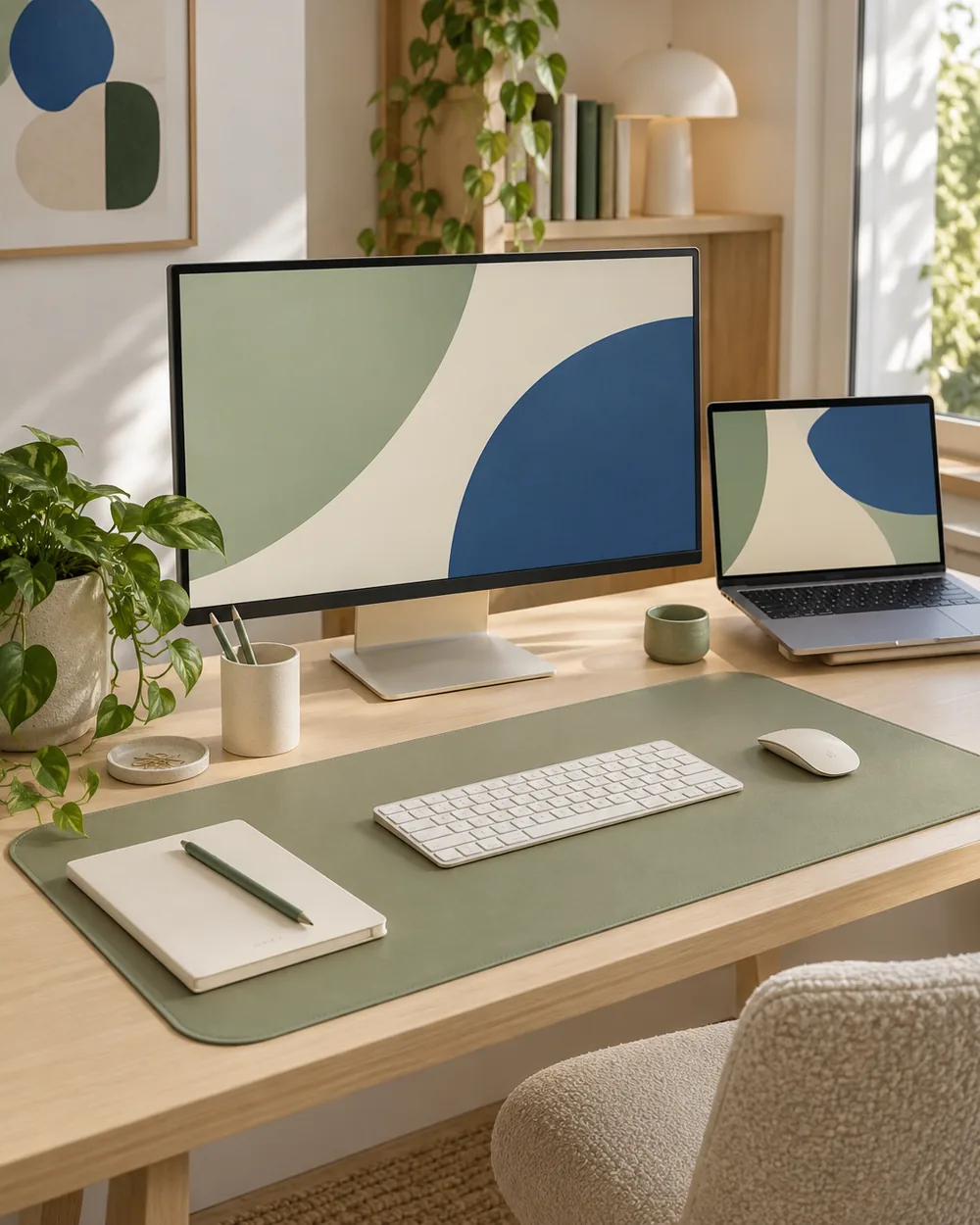
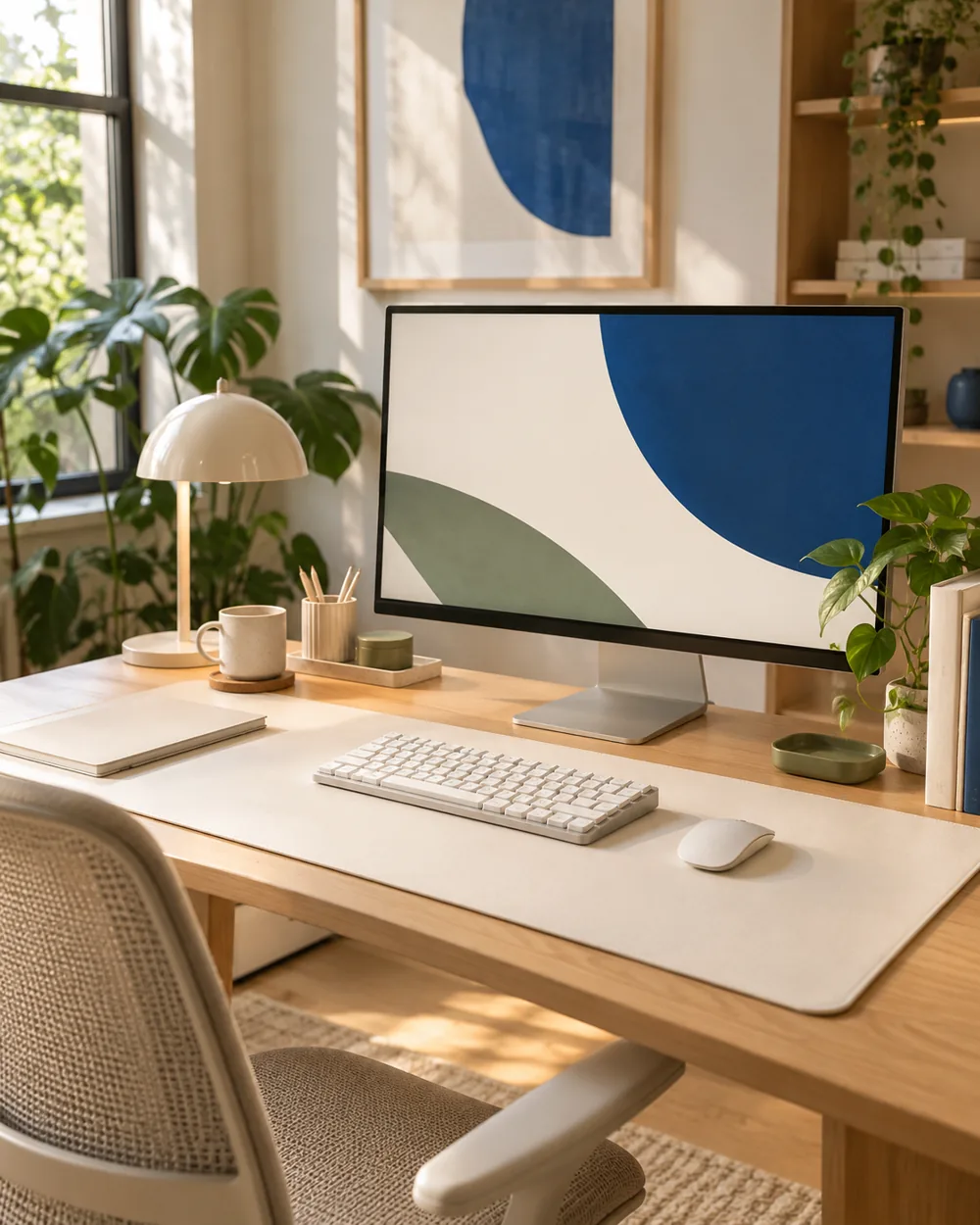
Clear a working area and choose one warm white item, such as a plain mat or notebook, beside the oak surface. Keep the keyboard and any essential device in the comparison so the palette reflects real use.
Compare one visual change
Let one material occupy the broadest area. A wide oak surface with a smaller white mat reads differently from a large white mat that hides most of the wood. Photograph both proportions from the same angle.
Observe the actual arrangement
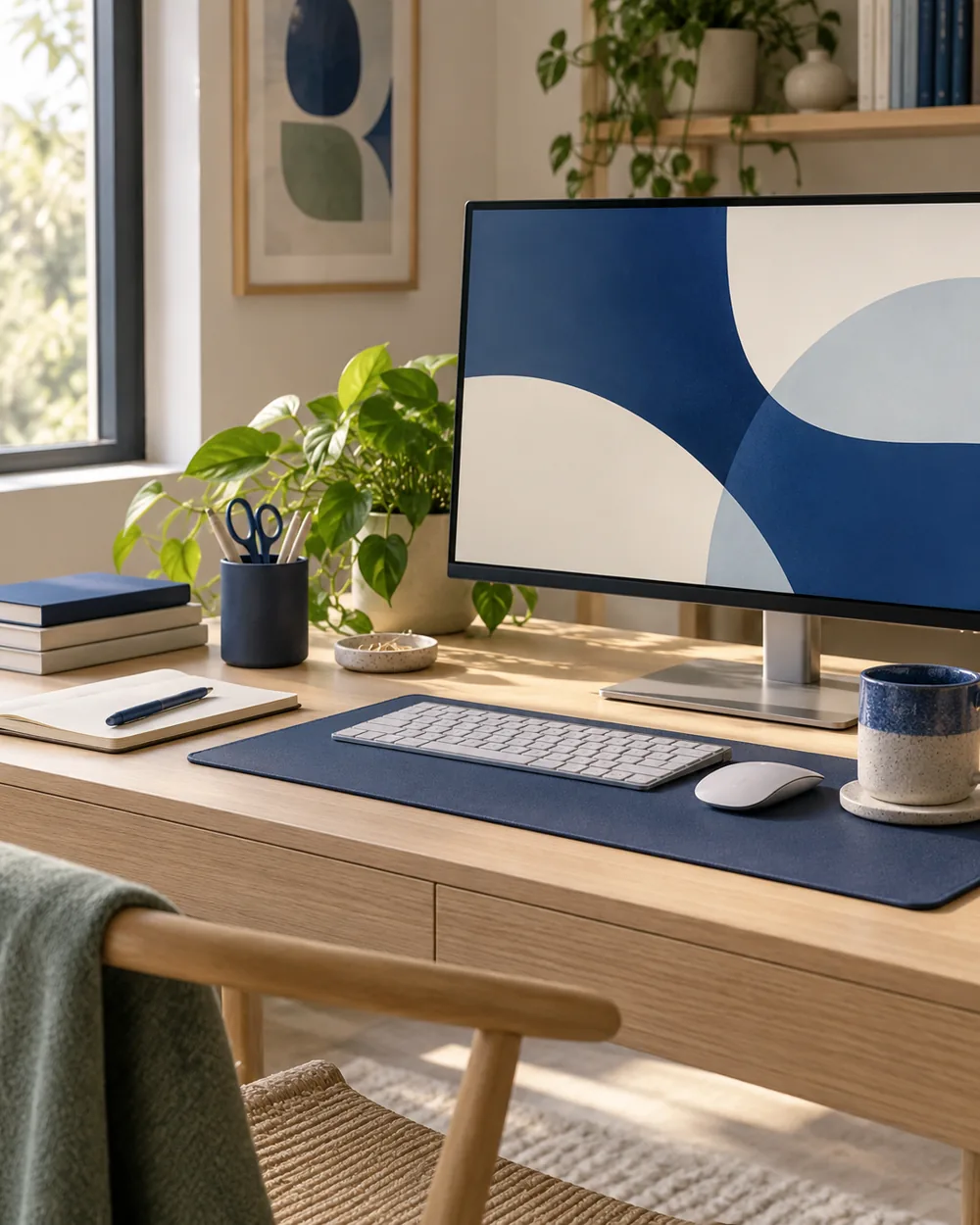
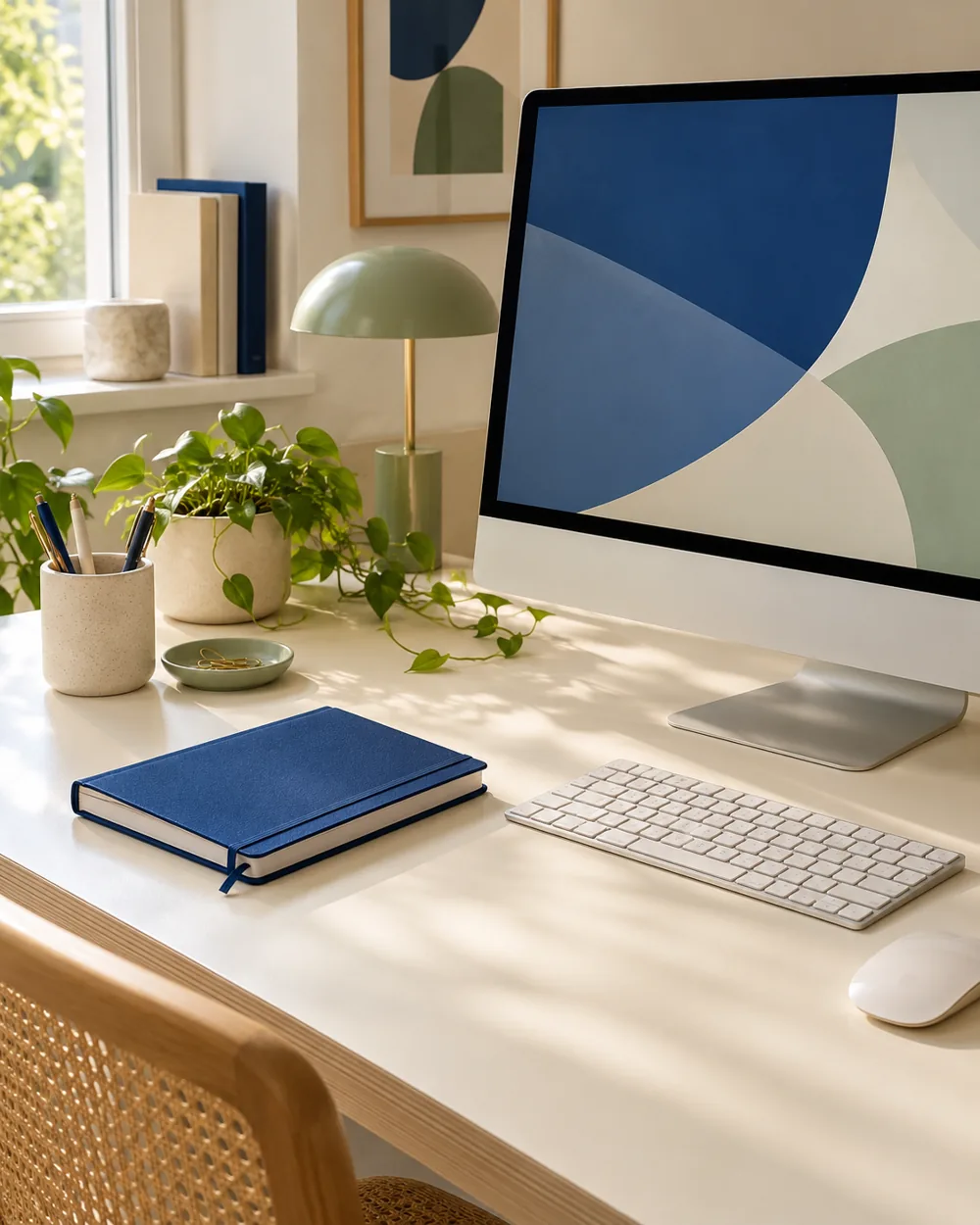
Add only one useful accessory at a time and check whether its tone introduces another competing neutral. A slightly different cream can work; the aim is a coherent arrangement rather than an exact screen-color match.
Keep a useful reference
Save the version you prefer with the actual item names. Keep surface care and product composition in a separate record, because a visual palette does not identify the material or finish of an unbranded object.
A couple of useful questions
Do I need to buy the objects in the picture?
No. The AI image is an editorial concept, not a product listing. Begin with your own suitable objects and actual dimensions.
Is this a tested equipment or health recommendation?
No. These are visual planning notes, not product tests or prescribed ergonomic settings. Use the actual maker instructions and your own requirements for equipment decisions.