Download the actual artwork
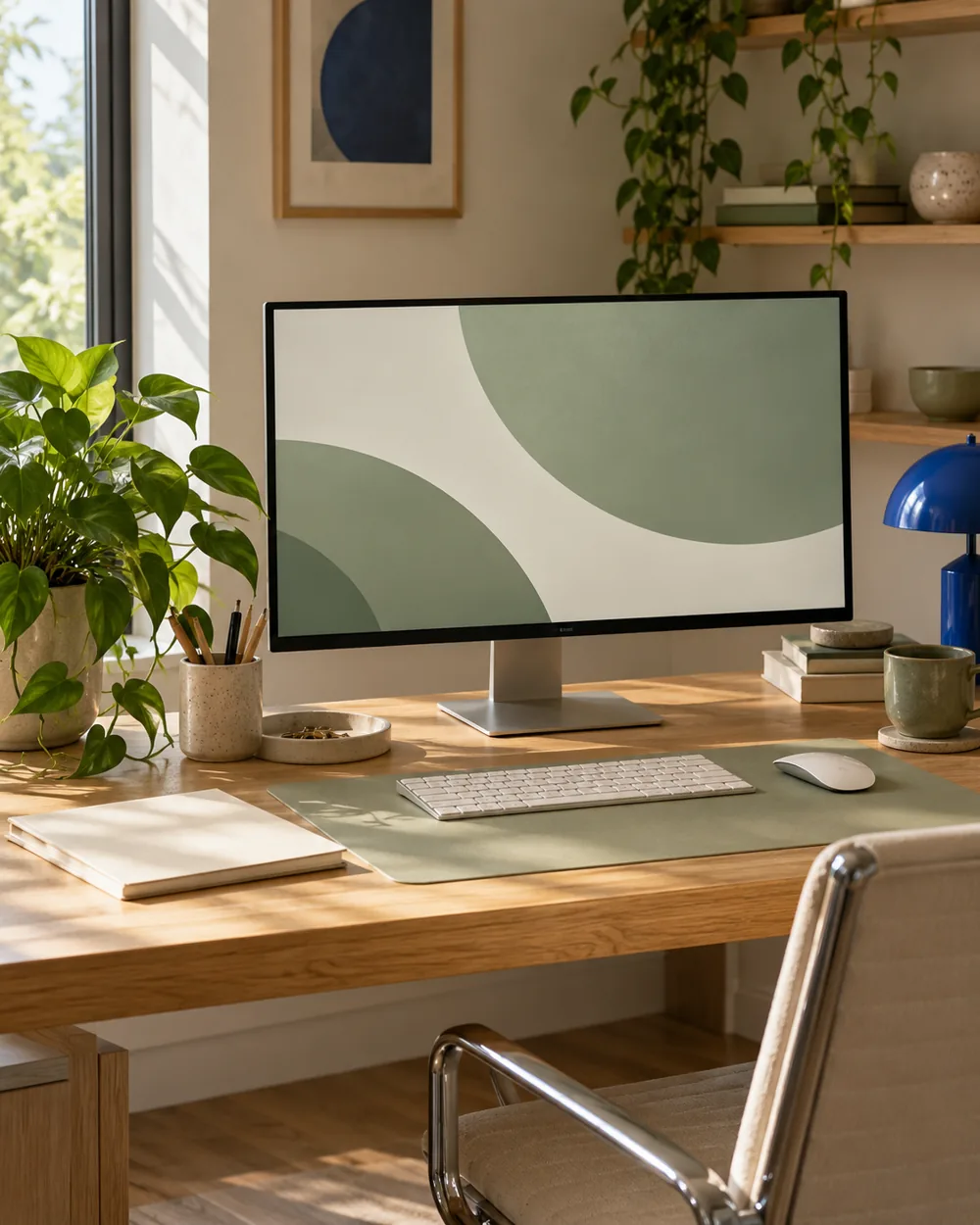
Download the Sage Arc PNG from the wallpaper library. Preview the full artwork before setting it as the background so you know which details a cropped fit might remove.
Try it on your screen
Try the image with your ordinary desktop layout. Notice whether a label crosses the curved edge and becomes less distinct than it was on the plain field.
Compare the fit
Compare the available background fit options on your system. On Windows, Fit retains the whole image, while Fill can crop it to cover the screen. Your screen shape determines the visible difference.
Keep the right file
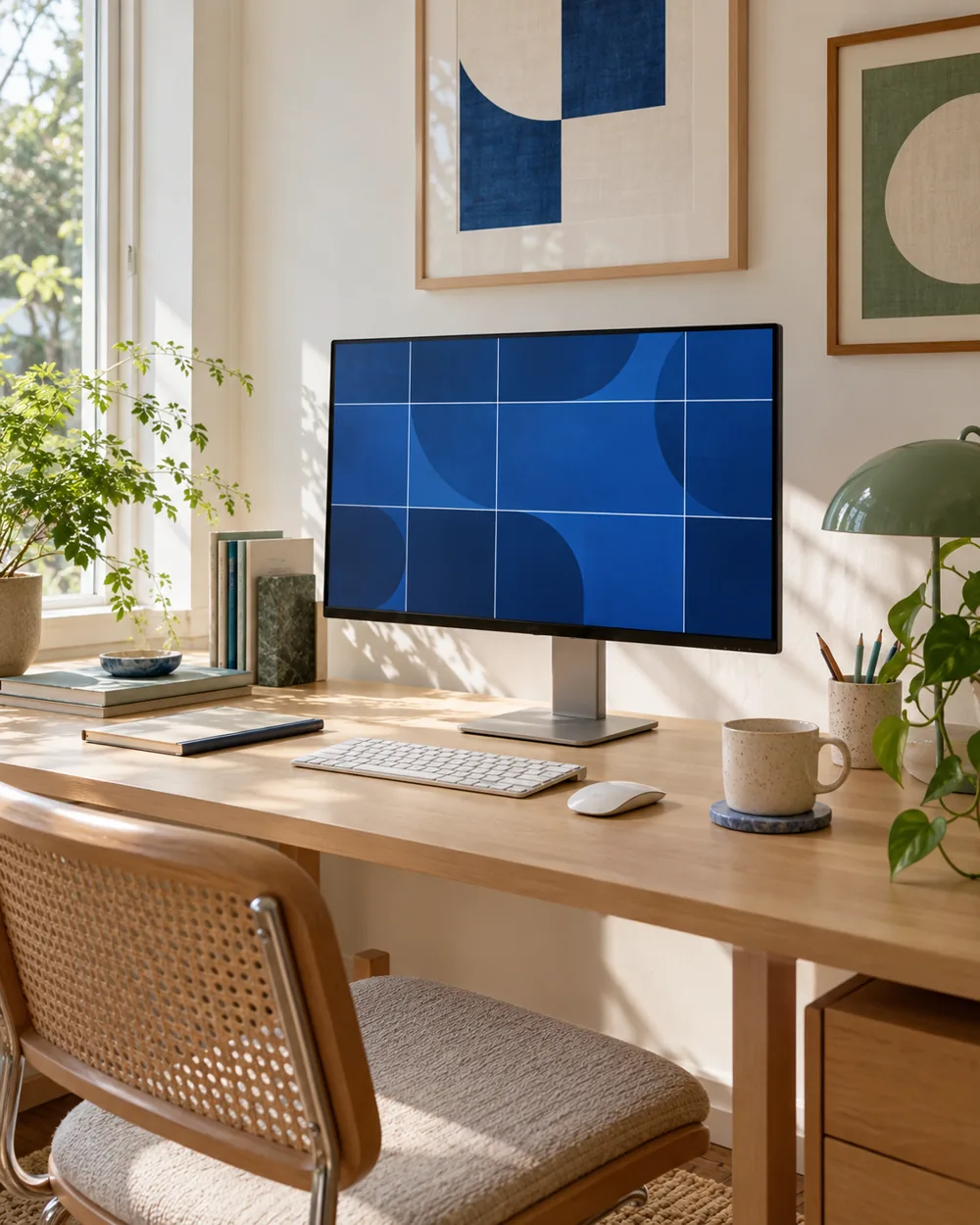
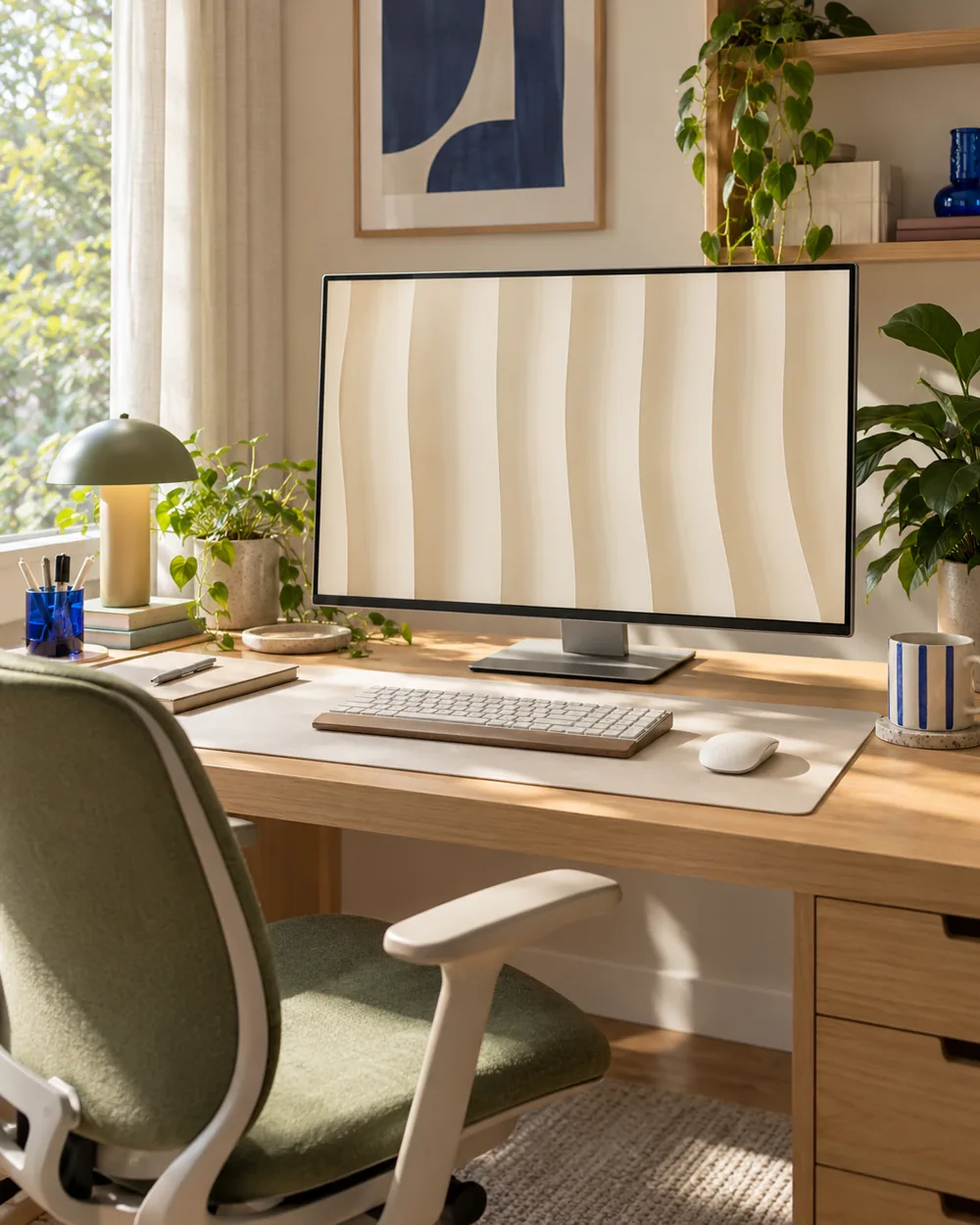
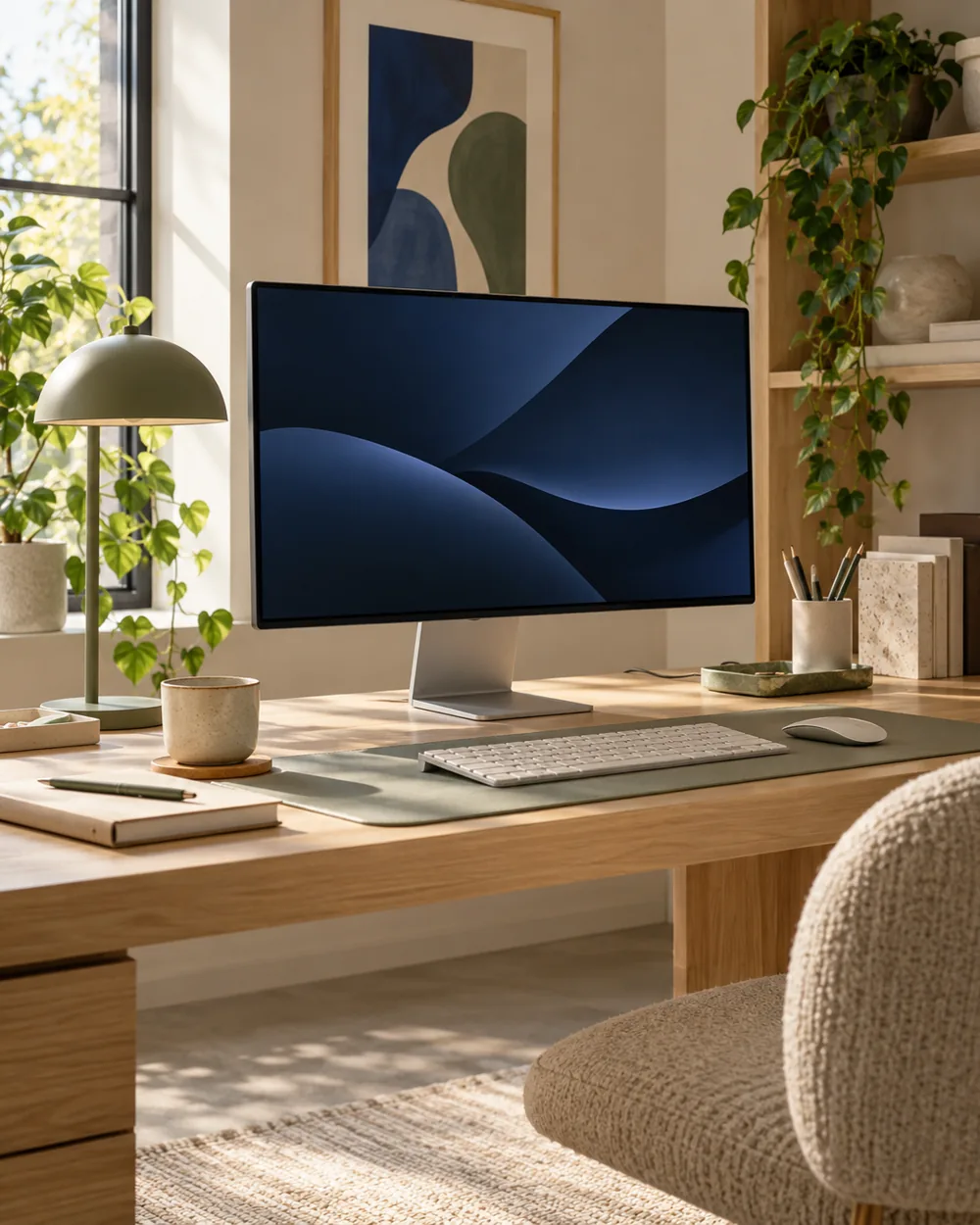
Keep the arrangement you find clear and record the filename. The generated desk photograph suggests the palette but is not a color-accurate preview of your display.

Get Sage Arc
The original artwork is available as a 3840 × 2160 PNG in our wallpaper library. The workspace photograph above is an illustrative concept.
Open the wallpaper library ↗A couple of useful questions
Do I need to buy the objects in the picture?
No. The AI image is an editorial concept, not a product listing. Begin with your own suitable objects and actual dimensions.
Is the monitor photograph the wallpaper download?
No. Download the original artwork from the wallpaper library. The AI photograph is not an exact screen or color preview.
Official references
- Microsoft — Change the desktop background in Windows ↗
- Microsoft — Personalize your colors in Windows ↗
- Microsoft — Use multiple monitors in Windows ↗
- Apple — Change the wallpaper on Mac ↗
Menu options and supported behavior vary by device and system version.