Prepare a small starting point
Create headings for useful areas, recurring obstructions, and questions to check. Keep personal work details out of a public example.
Try the ordinary routine
Record a few observations during ordinary use, such as papers repeatedly overlapping the keyboard area. Separate those facts from a proposed explanation.
Observe what remains useful
Choose one suitable change for the next comparison and note relevant equipment requirements. Leave other variables consistent so the result remains understandable.
Keep it easy to repeat
Review the note and keep only useful follow-up actions. The page records your own experience and does not establish a universal workspace or health recommendation.
A couple of useful questions
Do I need to buy the objects in the picture?
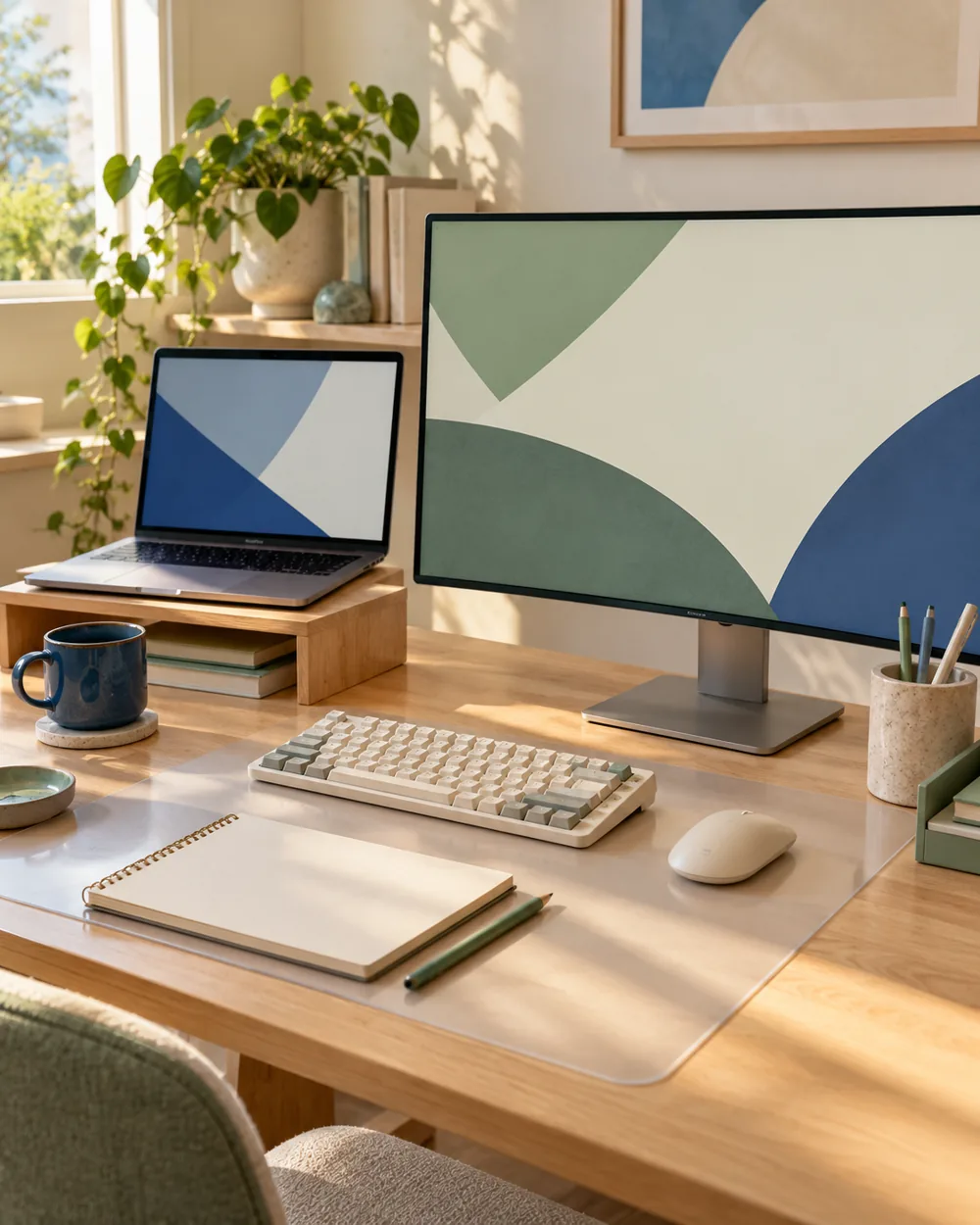
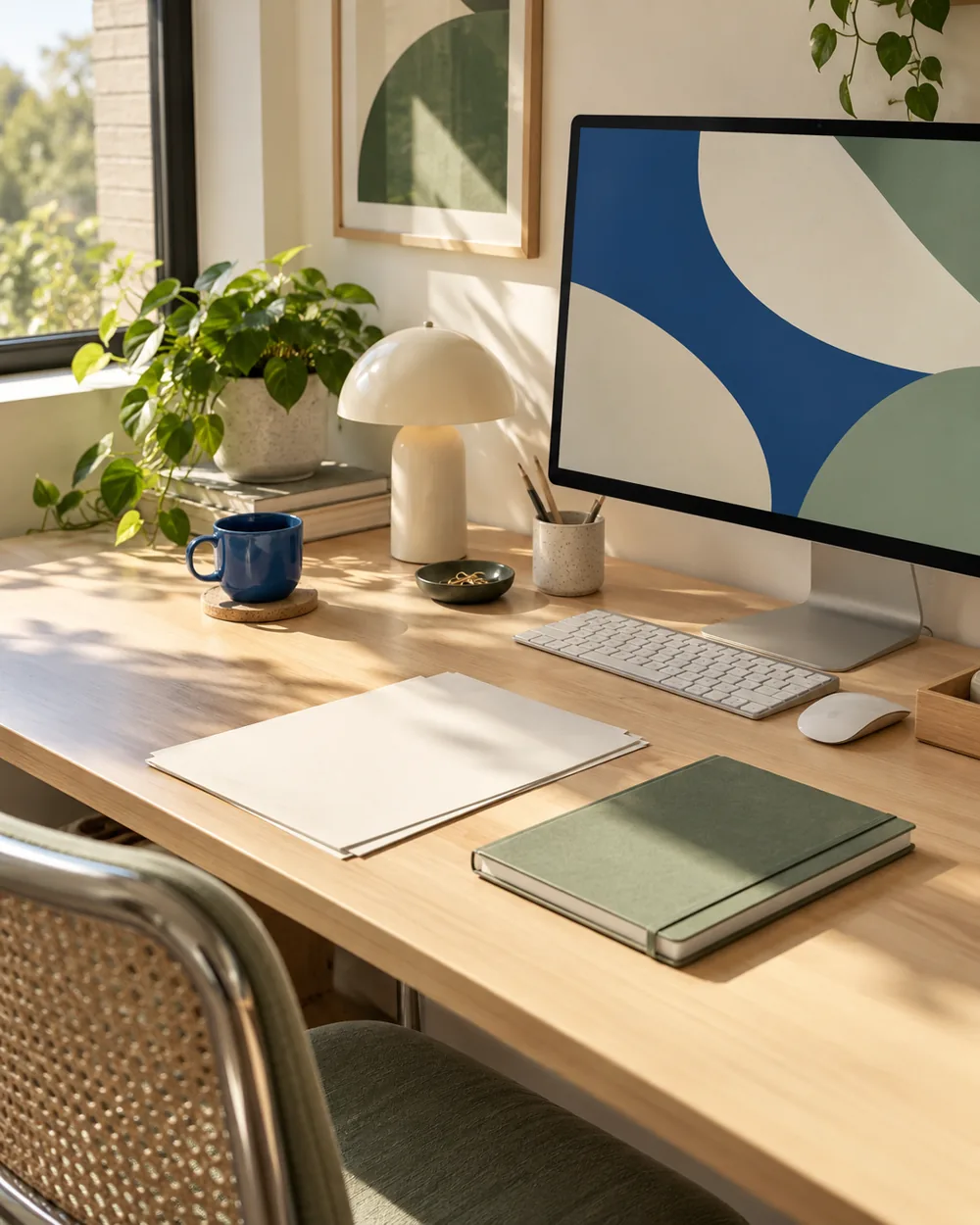
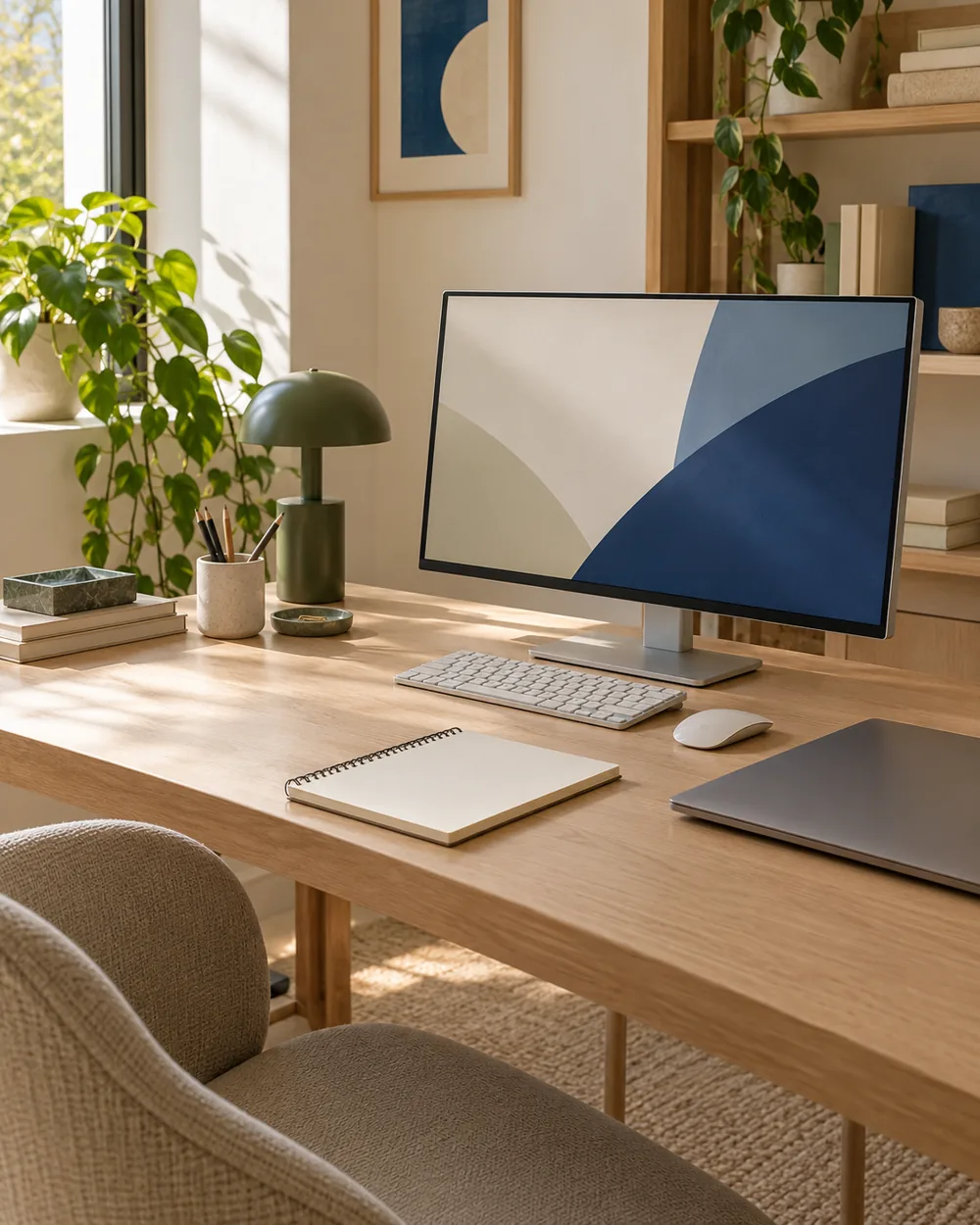
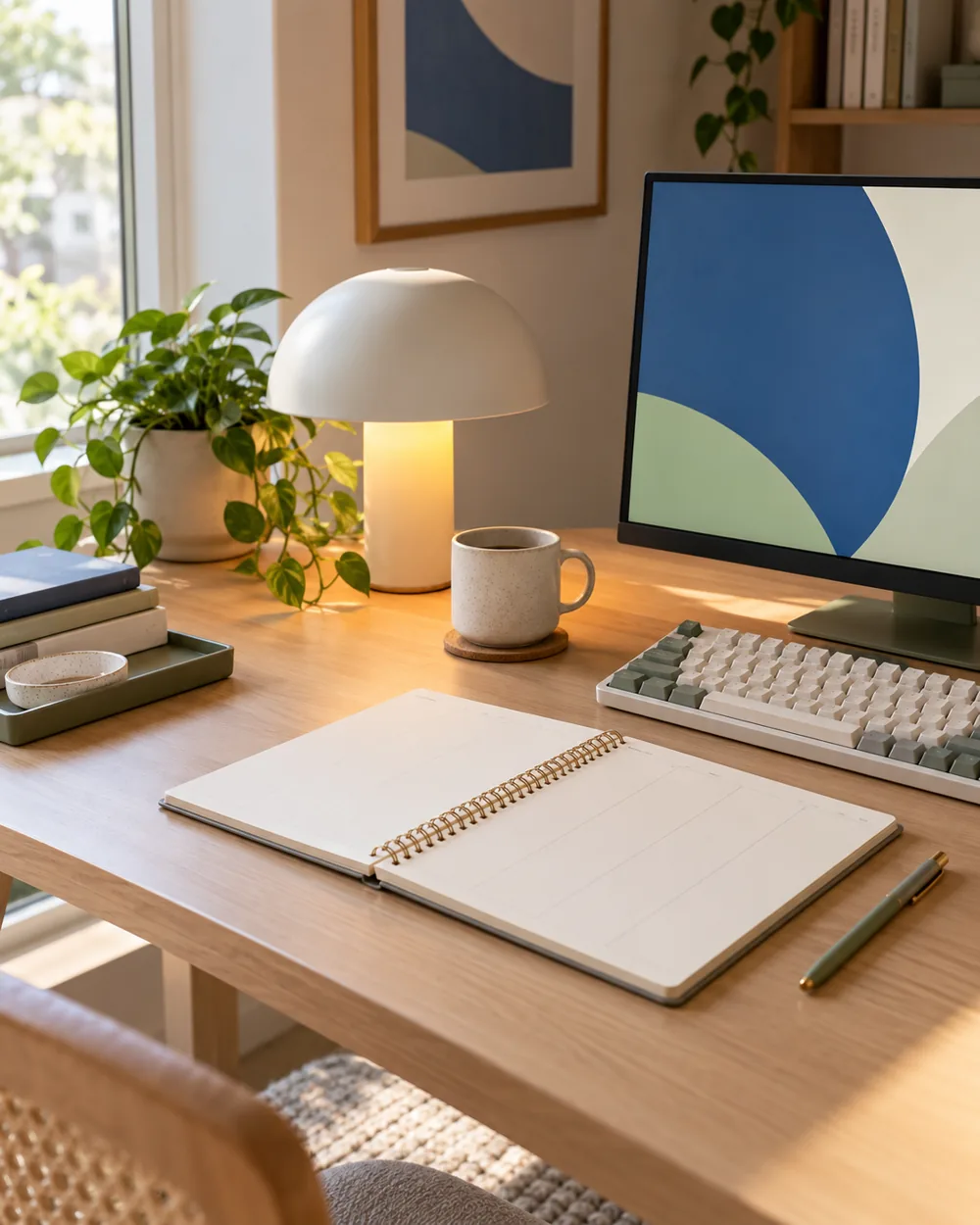
No. The AI image is an editorial concept, not a product listing. Begin with your own suitable objects and actual dimensions.
Is this a tested equipment or health recommendation?
No. These are visual planning notes, not product tests or prescribed ergonomic settings. Use the actual maker instructions and your own requirements for equipment decisions.