Make a private starting record
Choose a location you already understand and create a clearly named wallpaper folder. Save the original downloaded PNG there, keeping its descriptive filename.
Try a small structure
If you make personal variations, identify them separately rather than overwriting the original. Record which file you applied and the fit option used.
Review the actual result
Review duplicates carefully and confirm their contents before removing anything. A desktop background setting is not a backup of the source image, so keep the actual file where you expect it.
Keep the next action clear
Use the same folder for later choices and review it when it becomes hard to scan. No additional organizer application is required for this small collection.
A couple of useful questions
Do I need to buy the objects in the picture?
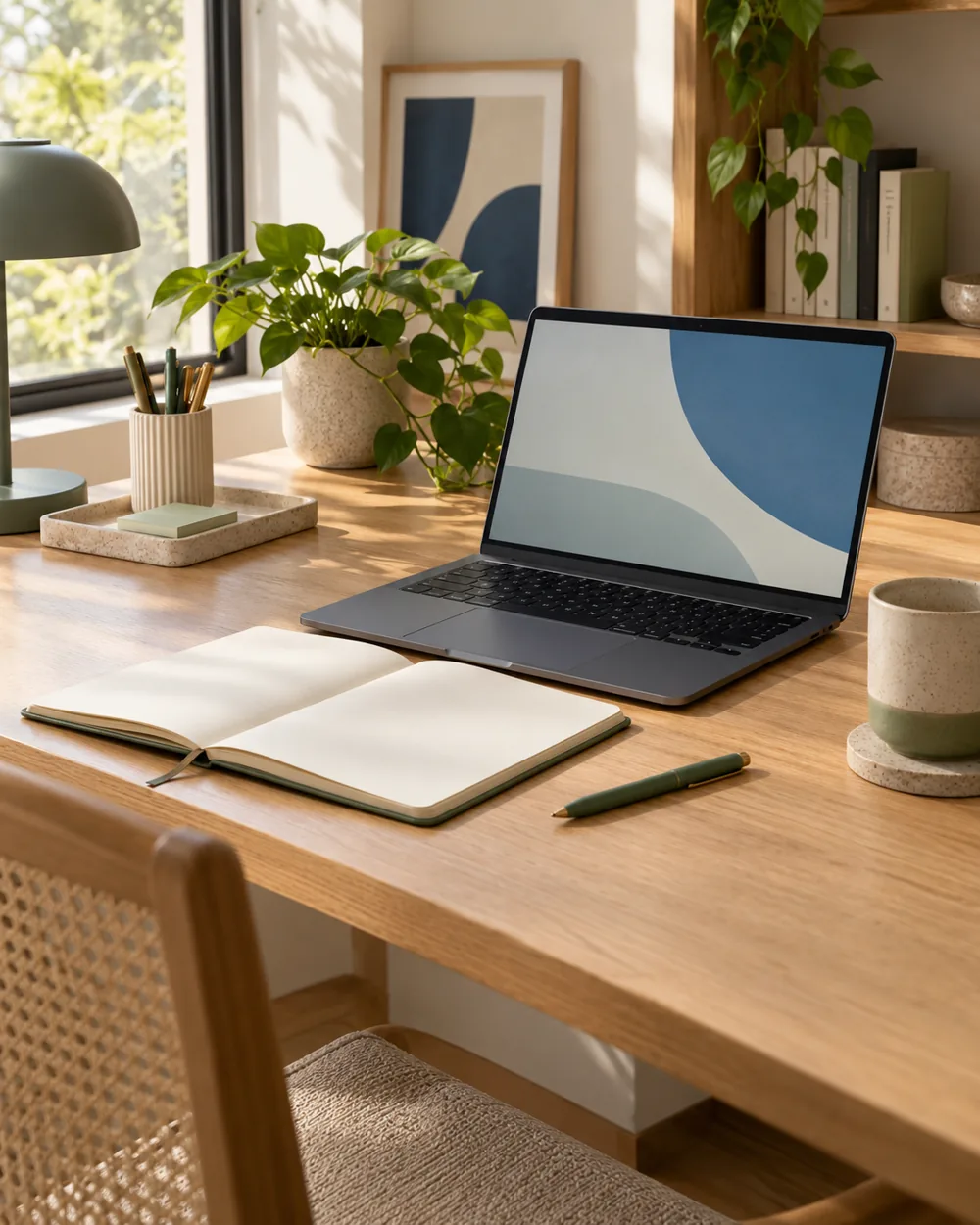
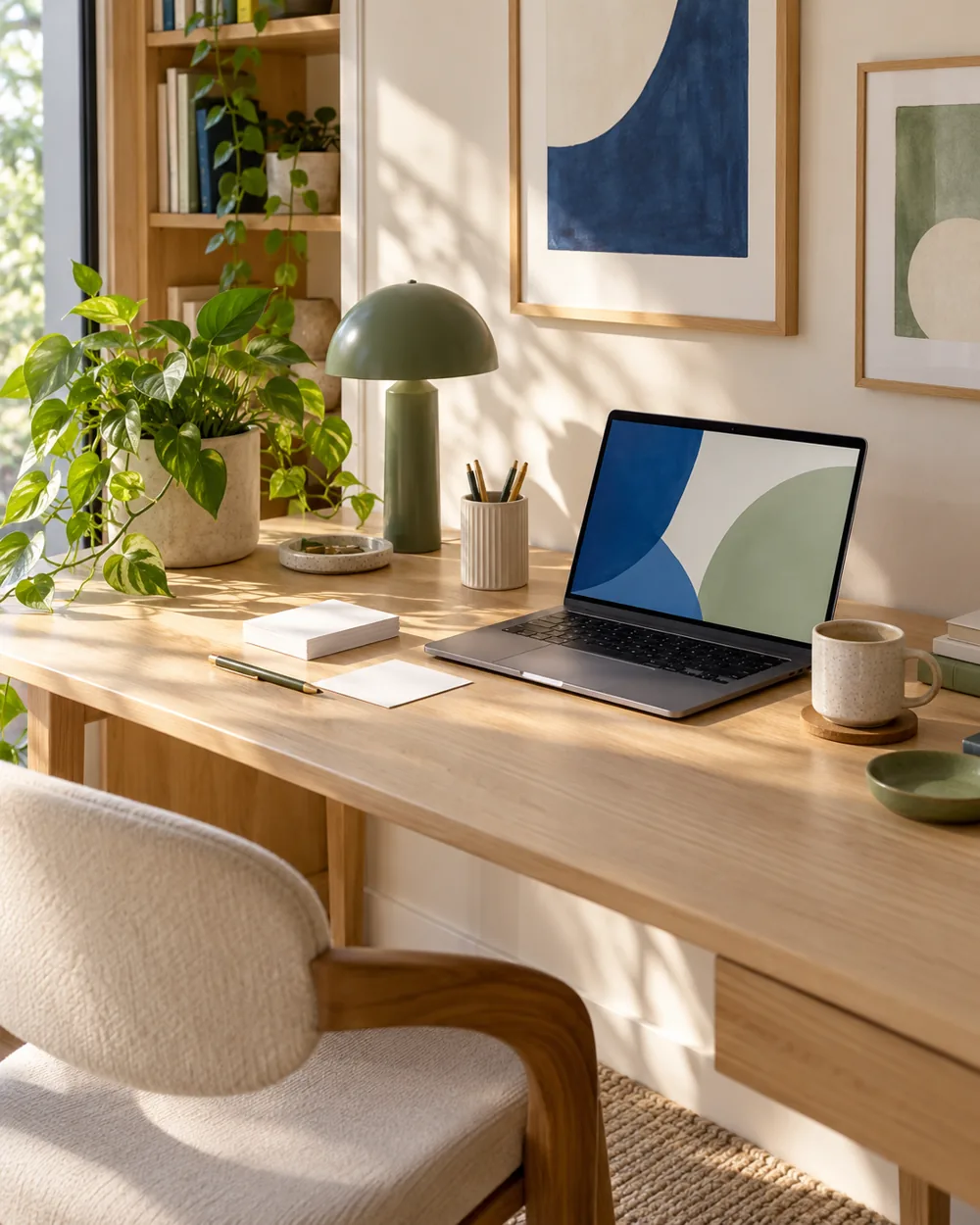
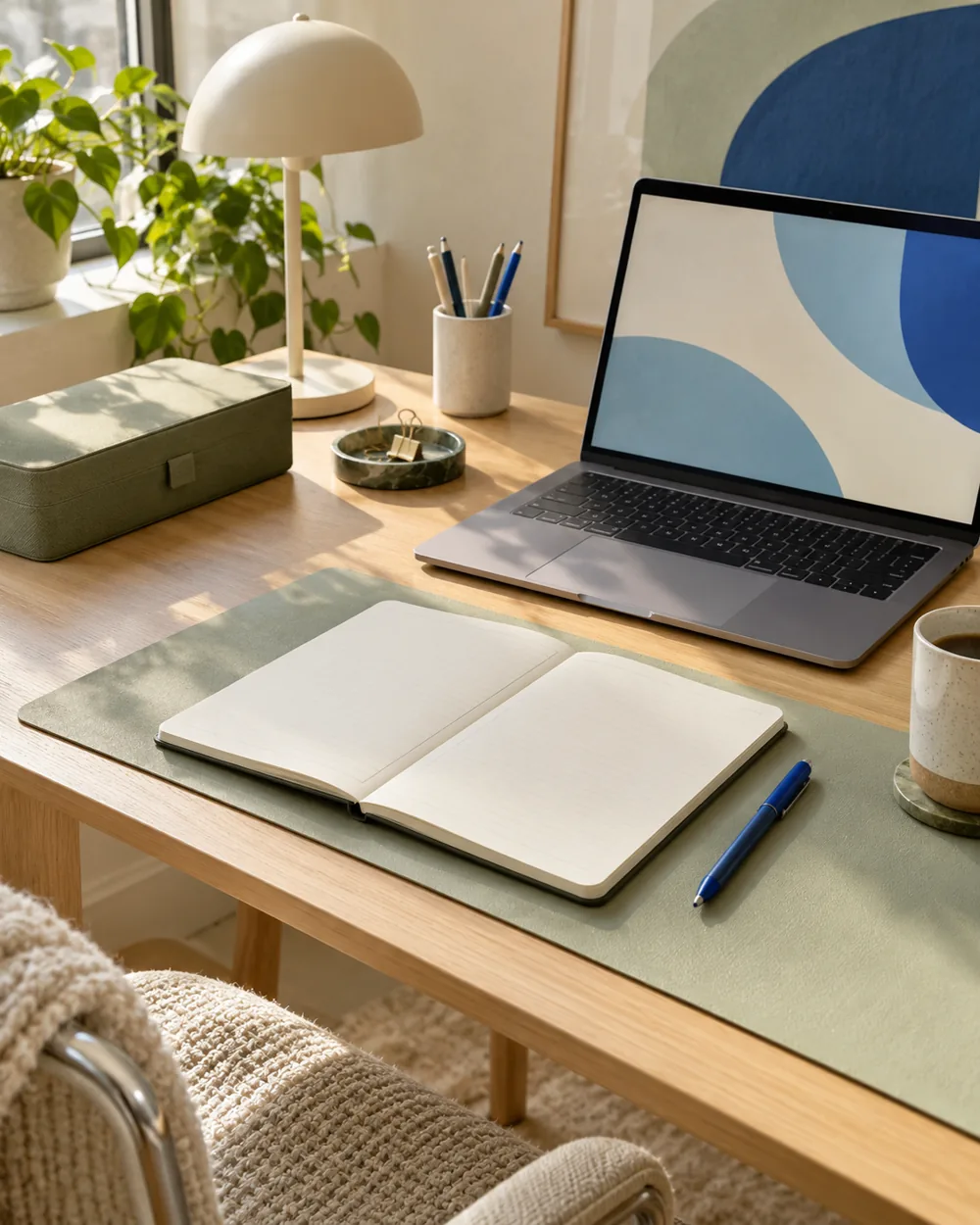
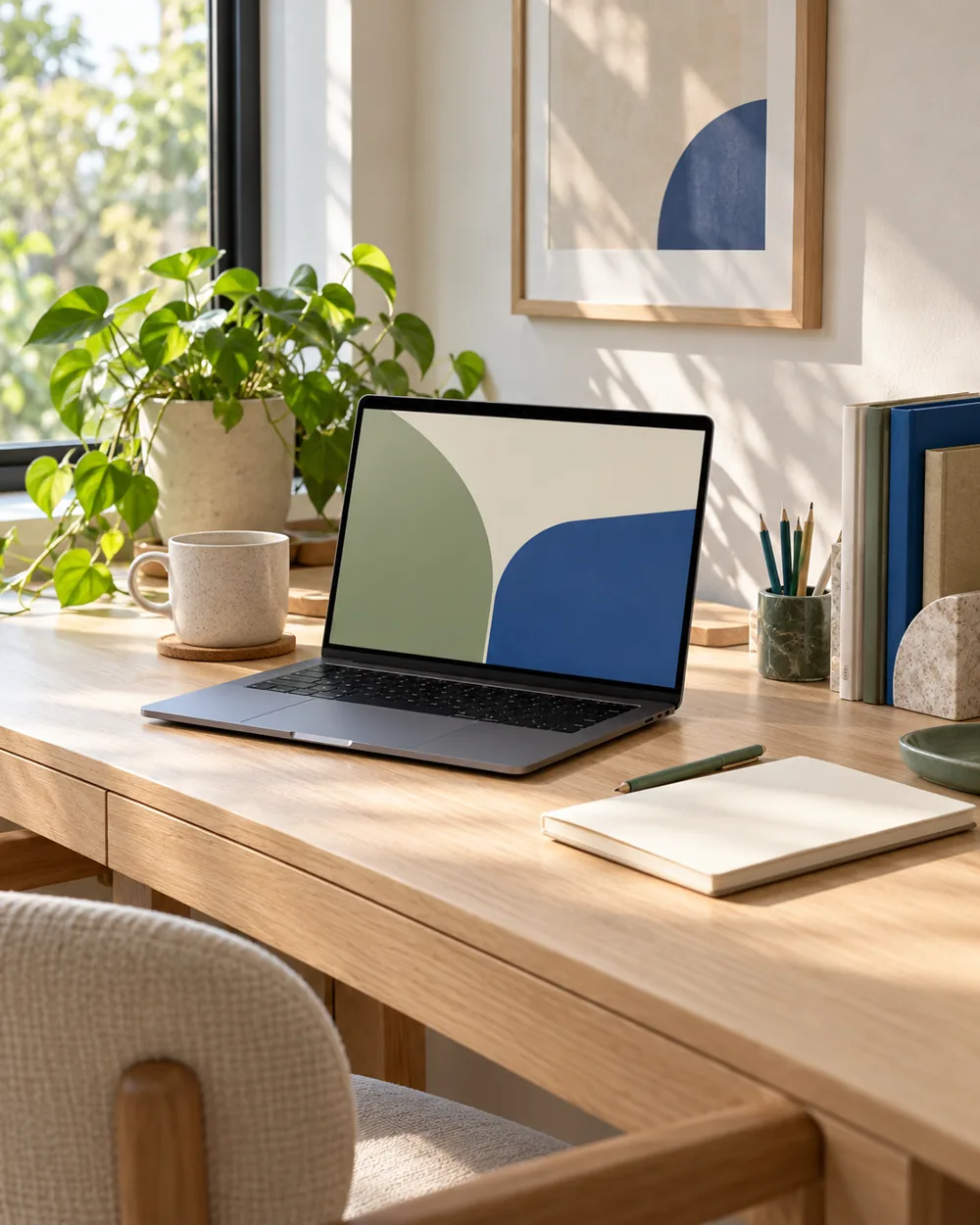
No. The AI image is an editorial concept, not a product listing. Begin with your own suitable objects and actual dimensions.
Is this a tested equipment or health recommendation?
No. These are visual planning notes, not product tests or prescribed ergonomic settings. Use the actual maker instructions and your own requirements for equipment decisions.
Official references
- Microsoft — Change the desktop background in Windows ↗
- Microsoft — Personalize your colors in Windows ↗
- Microsoft — Use multiple monitors in Windows ↗
- Apple — Change the wallpaper on Mac ↗
Menu options and supported behavior vary by device and system version.