Start with actual equipment
Identify the displays, stands, desk dimensions, and connection requirements. Check maker guidance for support, clearance, and compatibility before making a physical change.
Sketch the working footprint
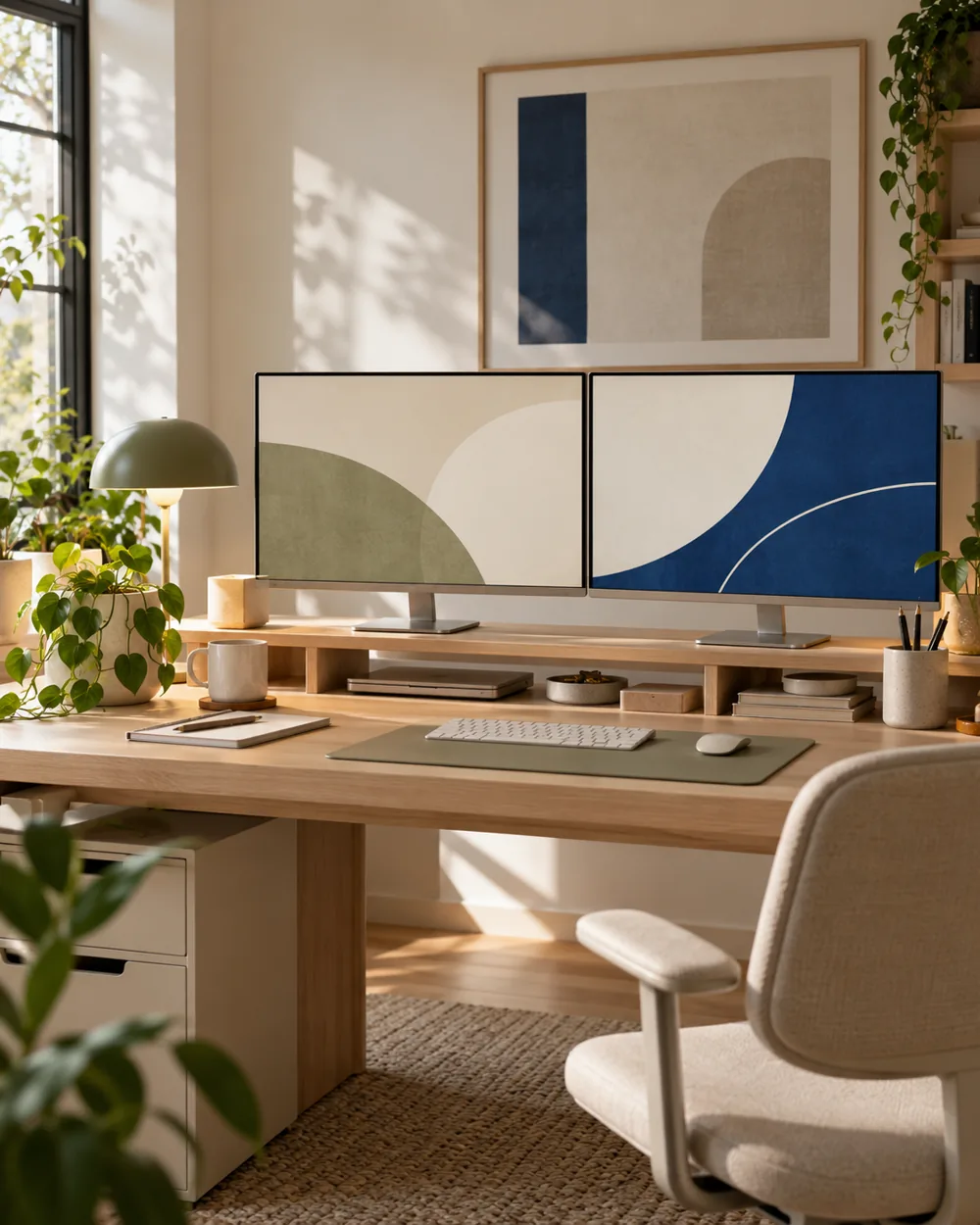
Sketch the supported footprints with the keyboard and paper area included. Compare the proposed arrangement with the ordinary route to each item you use.
Compare the arrangement
For Windows software arrangement, use System settings under Display to identify and arrange screens. Win+P offers extend and duplicate choices; supported behavior depends on the equipment.
Record what works
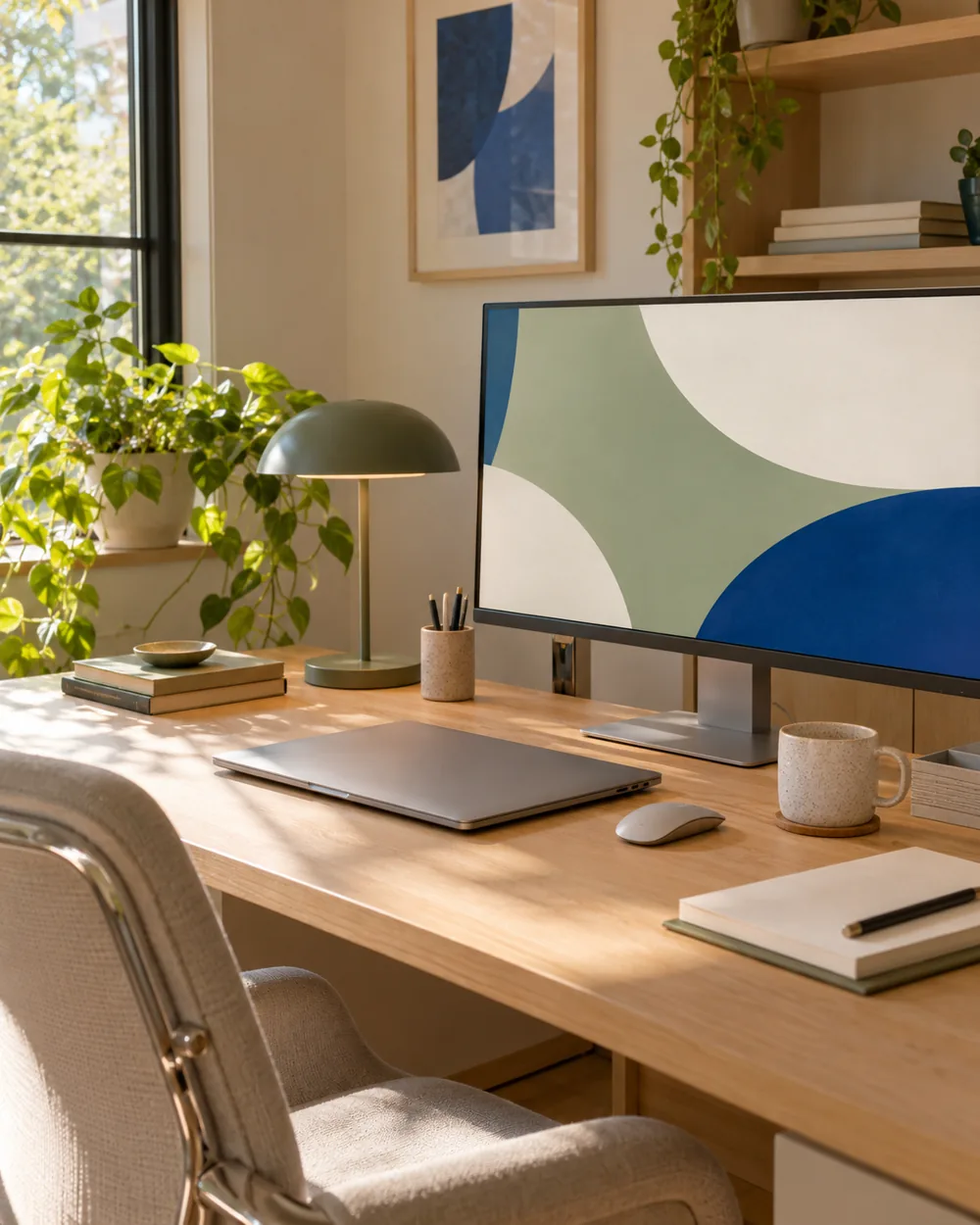
Keep the physical sketch and chosen system arrangement together. Do not copy a generated scene as evidence that a particular stand or connection will work.
A couple of useful questions
Do I need to buy the objects in the picture?
No. The AI image is an editorial concept, not a product listing. Begin with your own suitable objects and actual dimensions.
Is this a tested equipment or health recommendation?
No. These are visual planning notes, not product tests or prescribed ergonomic settings. Use the actual maker instructions and your own requirements for equipment decisions.
Official references
- Microsoft — Change the desktop background in Windows ↗
- Microsoft — Personalize your colors in Windows ↗
- Microsoft — Use multiple monitors in Windows ↗
- Apple — Change the wallpaper on Mac ↗
Menu options and supported behavior vary by device and system version.