Use the exact artwork
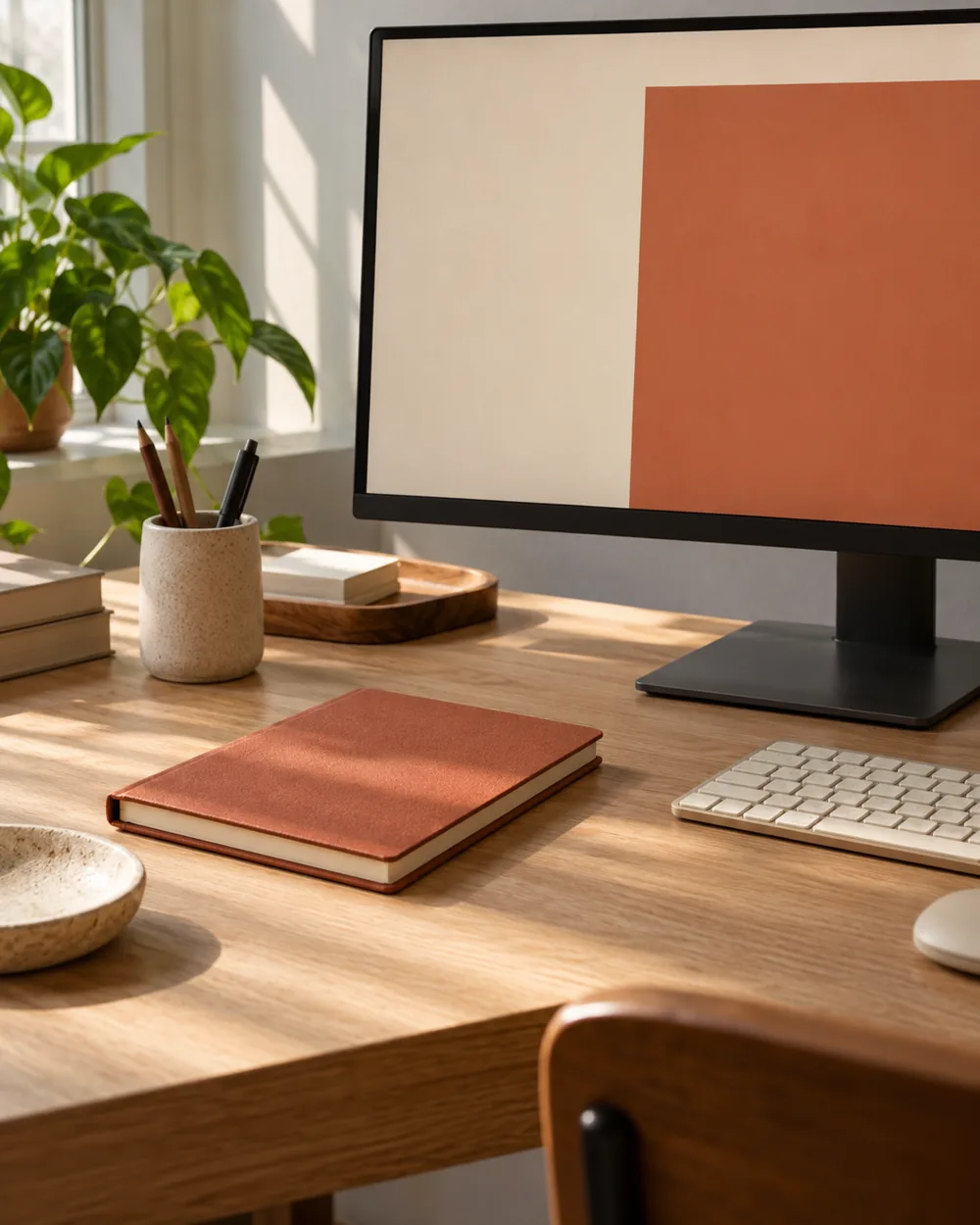
Download Terracotta Block from the wallpaper library and inspect the exact artwork. Apply it with your system’s ordinary controls and check the visible crop.
Compare the physical objects
Choose an existing rust or terracotta-toned notebook if available. Compare it beside the actual working set rather than purchasing a color match for the photograph.
Check the working desktop
Open the notebook and try the ordinary task. Keep its footprint practical even if that moves the accent away from the position shown in the illustrative scene.
Keep the reference honest
Save the arrangement only if it remains useful. The paper and screen can relate visually without a precise color match or a claim about display calibration.
Get Terracotta Block
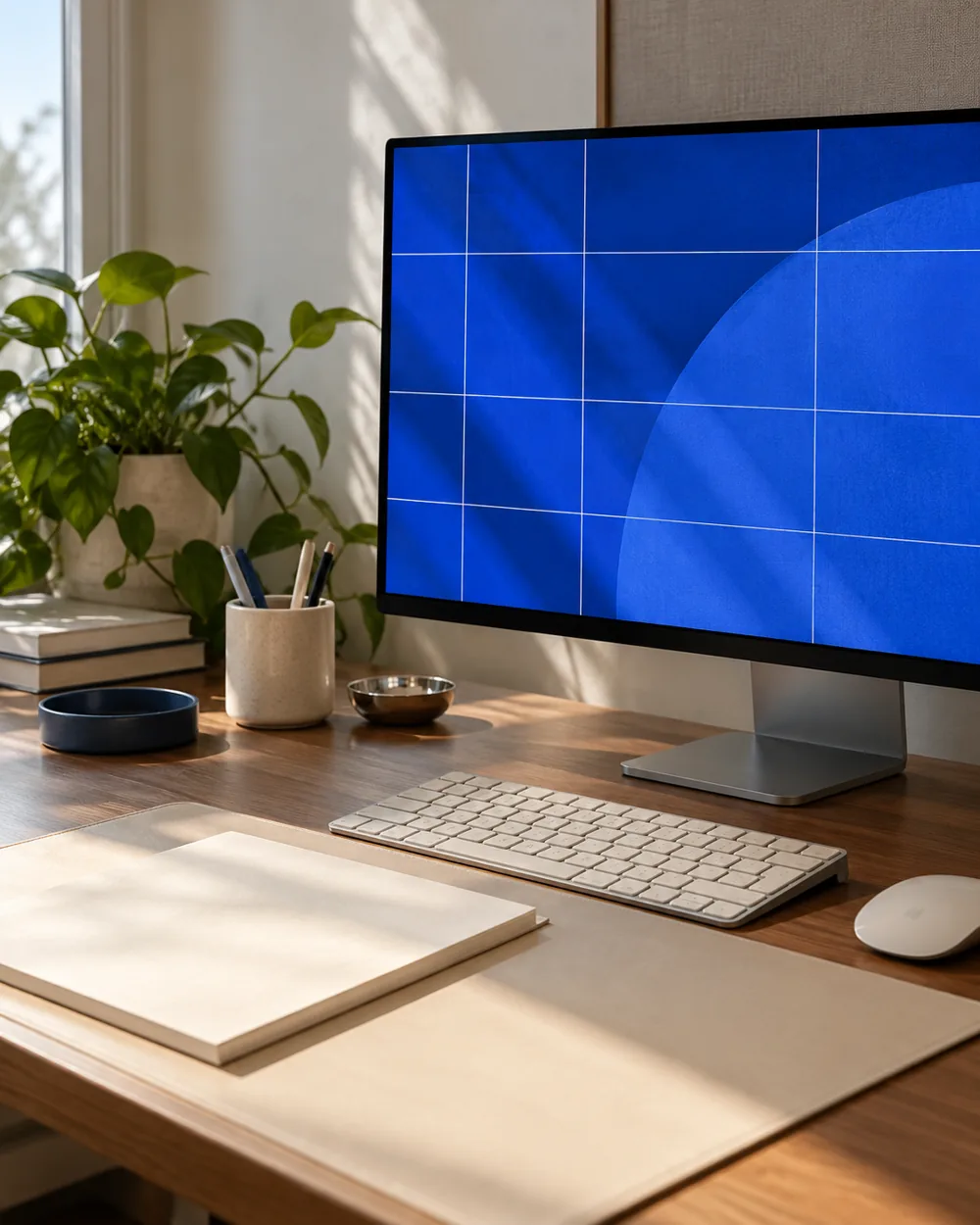
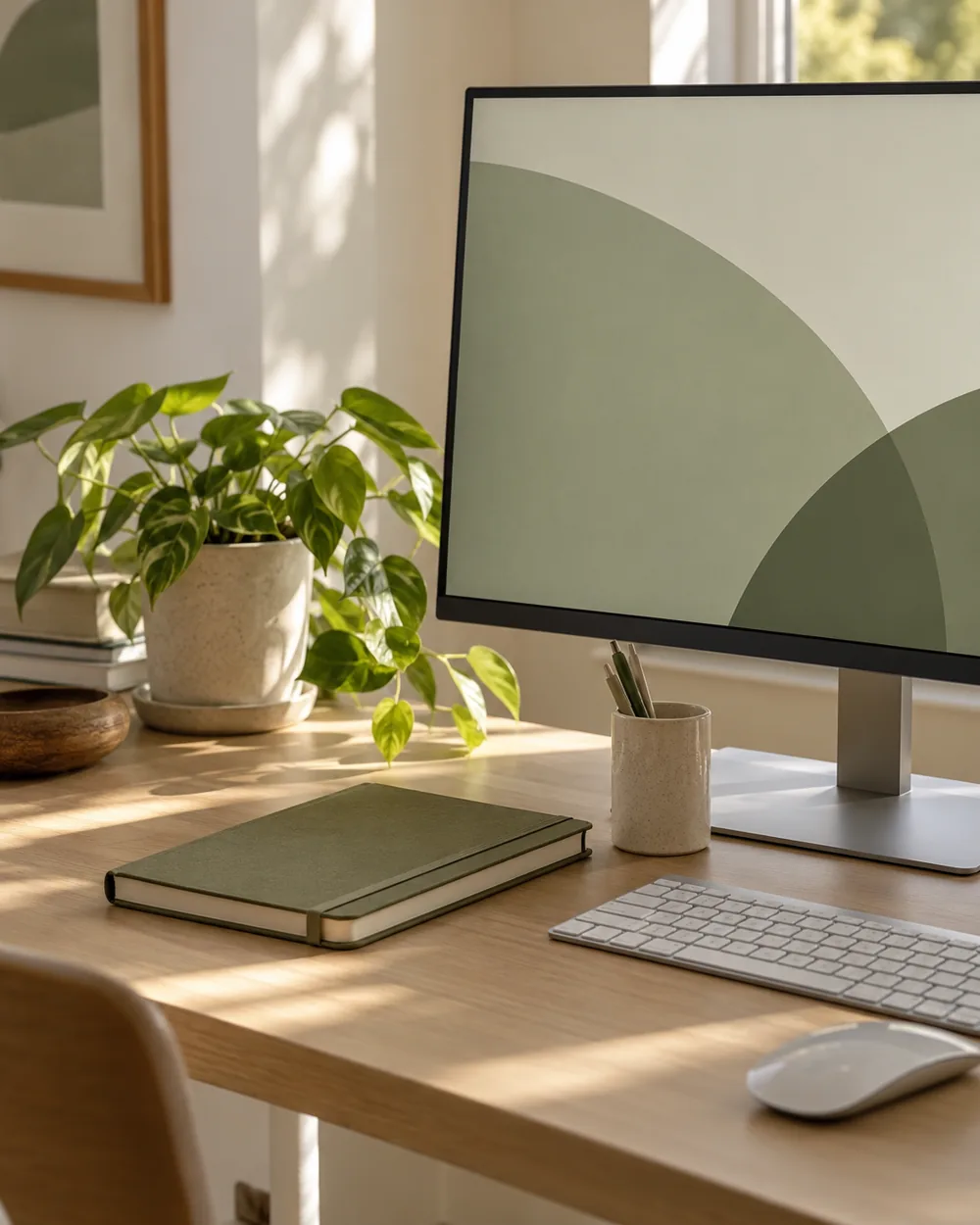
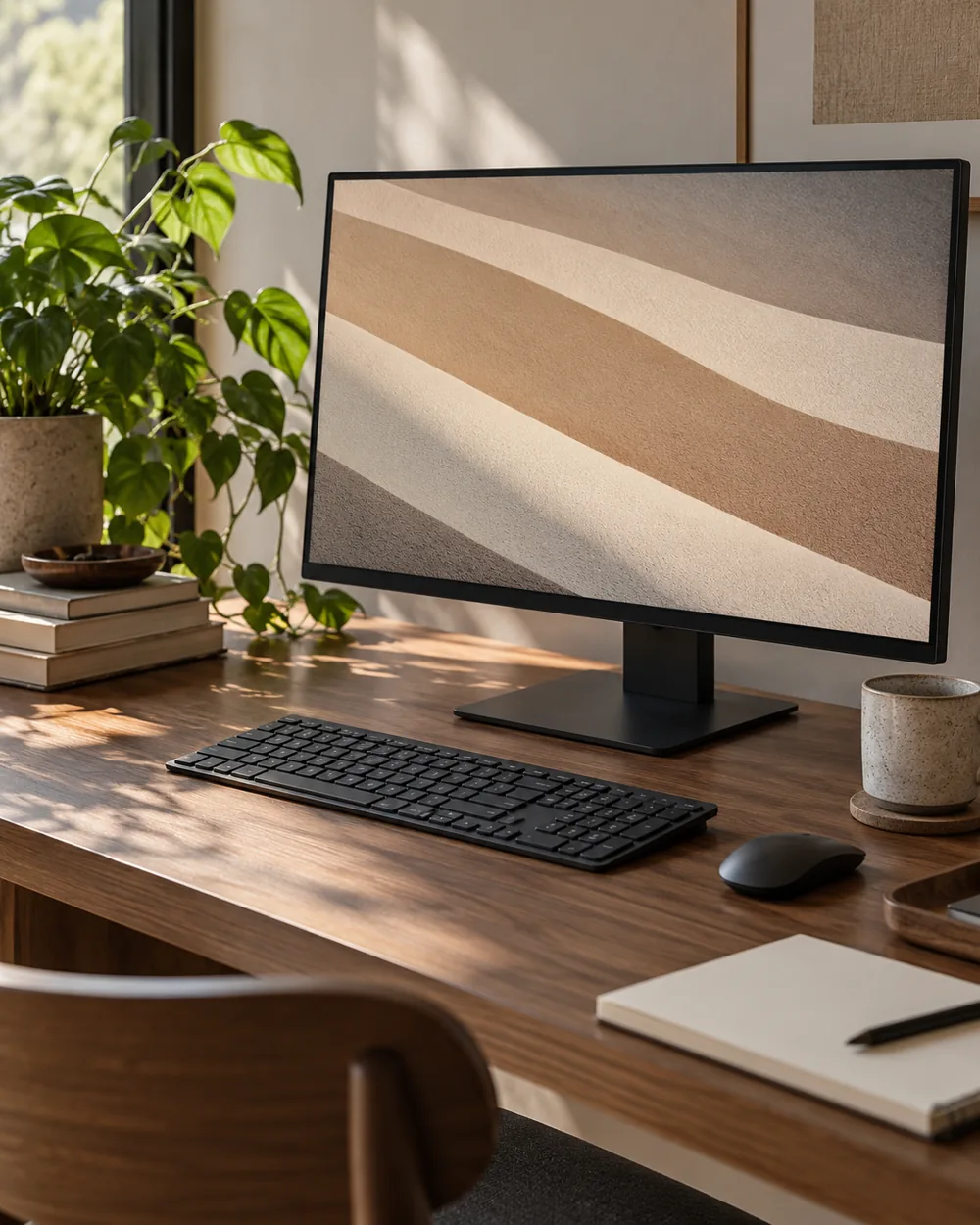
The original artwork is available as a 3840 × 2160 PNG in our wallpaper library. The workspace photograph above is an illustrative concept.
Open the wallpaper library ↗A couple of useful questions
Do I need to buy the objects in the picture?
No. The AI image is an editorial concept, not a product listing. Begin with your own suitable objects and actual dimensions.
Is the monitor photograph the wallpaper download?
No. Download the original artwork from the wallpaper library. The AI photograph is not an exact screen or color preview.
Official references
- Microsoft — Change the desktop background in Windows ↗
- Microsoft — Personalize your colors in Windows ↗
- Microsoft — Use multiple monitors in Windows ↗
- Apple — Change the wallpaper on Mac ↗
Menu options and supported behavior vary by device and system version.