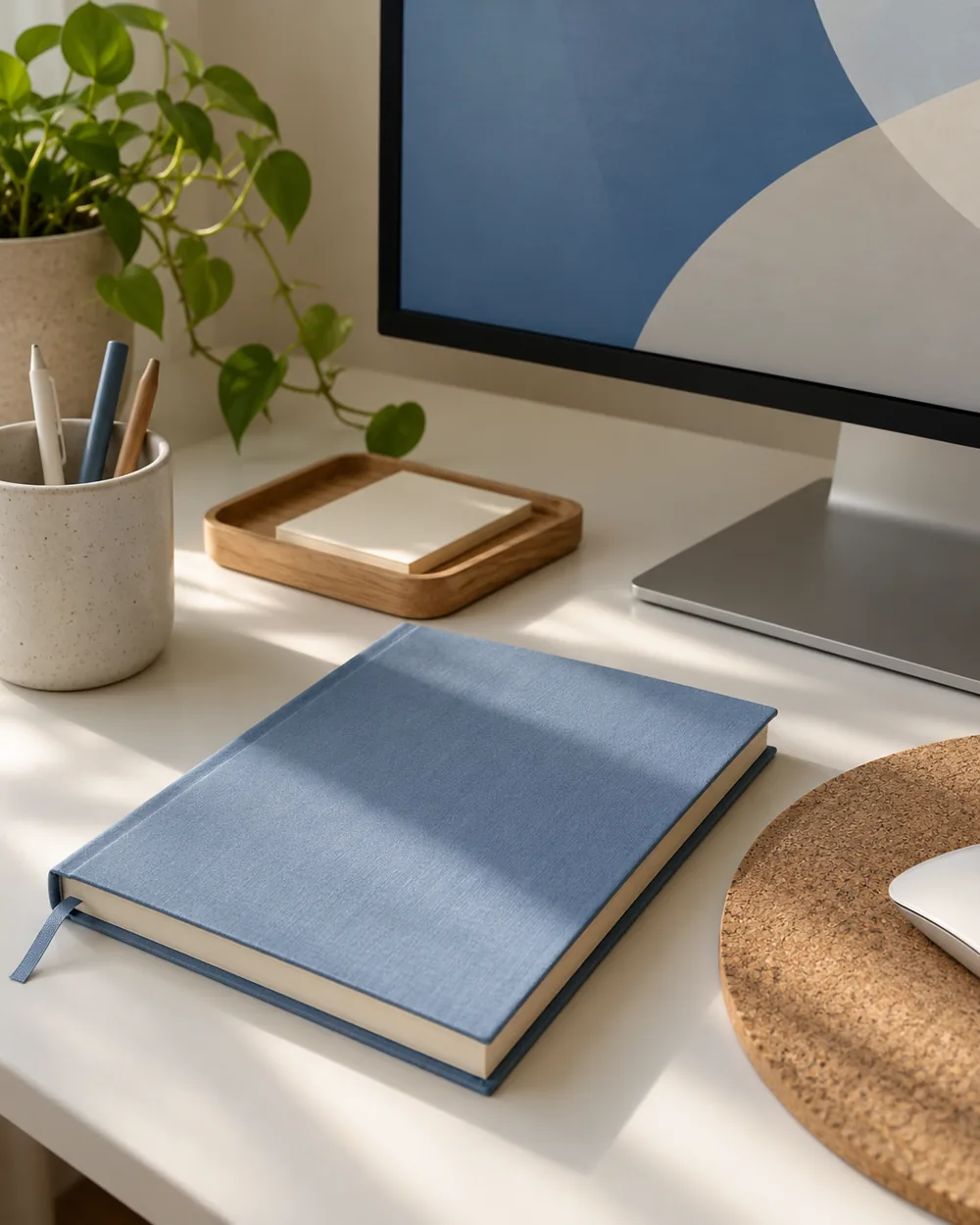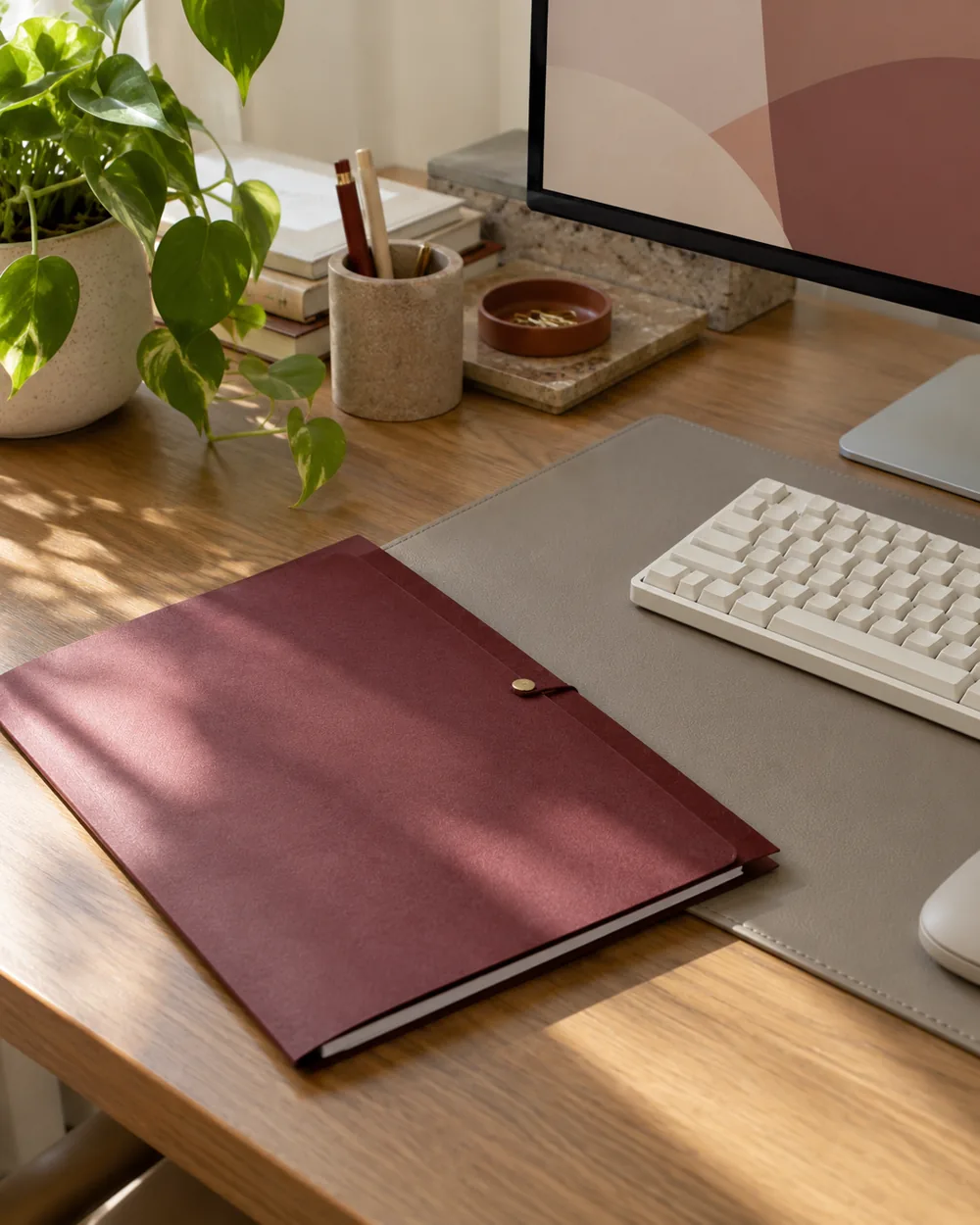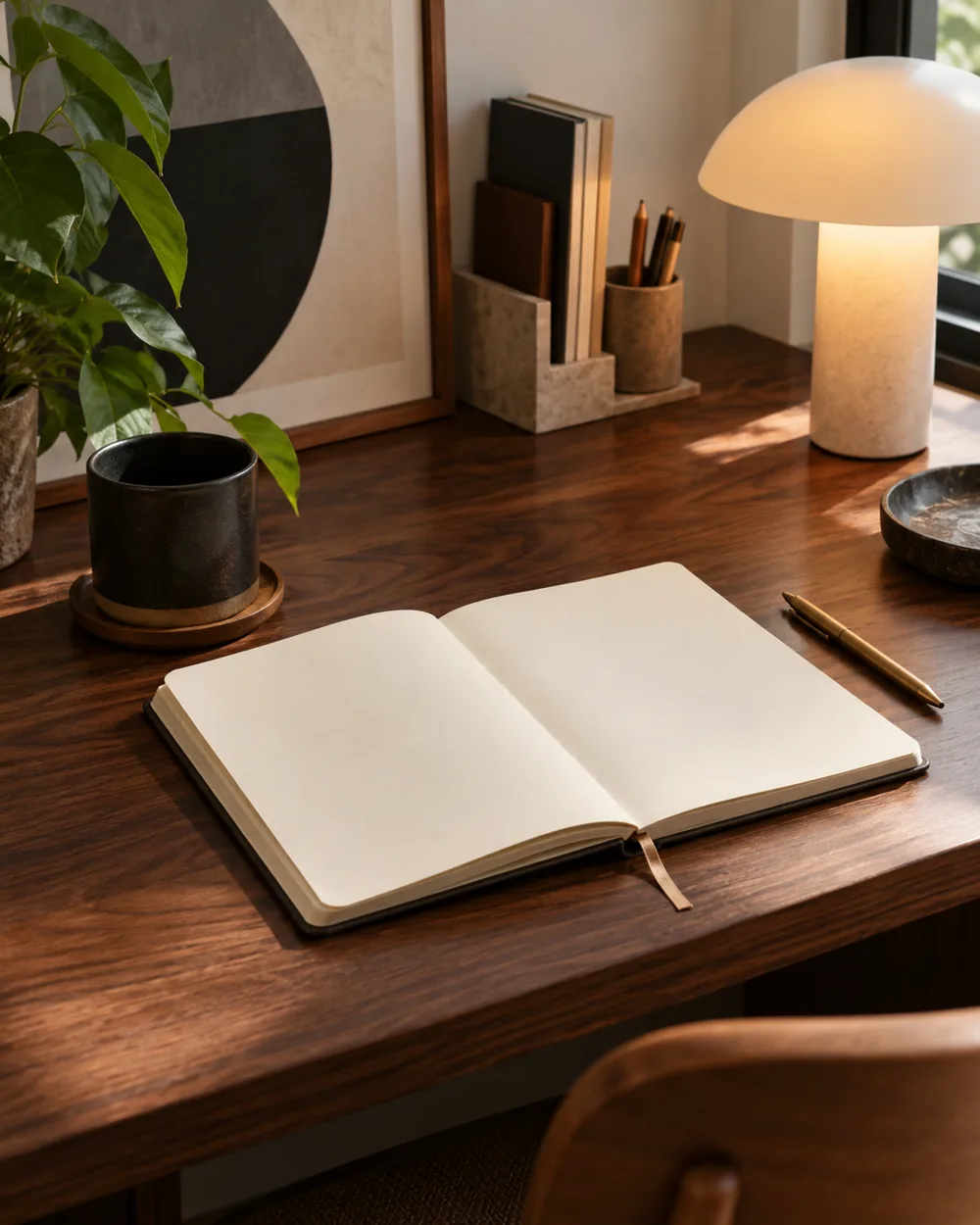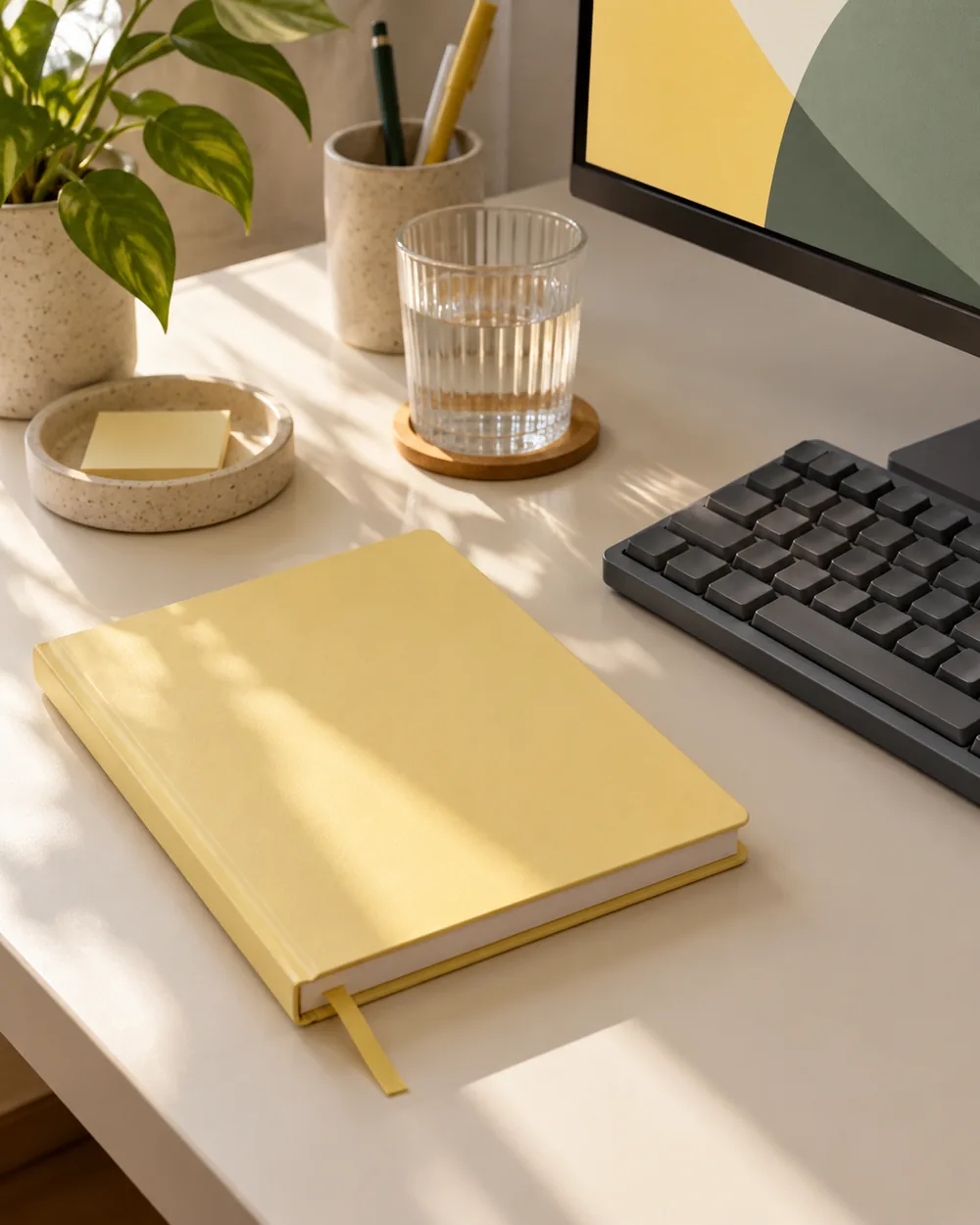
Choose an existing reference
Choose the notebook or folder that supplies the yellow reference. View it beside the actual keyboard or desk mat in ordinary room light.
Compare the actual objects
Keep the first comparison small: the accent, the dark object, and the real working surface. Include the opened paper area so the palette does not override the task.
Keep the task in view
Compare a second existing neutral object if the group feels visually crowded. Remove an optional accent before adding another color to resolve the composition.
Record the useful palette
Save a nonprivate reference with the light conditions noted. The image records a color impression, not a calibrated measurement or a verified product finish.
A couple of useful questions
Do I need to buy the objects in the picture?
No. The AI image is an editorial concept, not a product listing. Begin with your own suitable objects and actual dimensions.
Is this a tested equipment or health recommendation?
No. These are visual planning notes, not product tests or prescribed ergonomic settings. Use the actual maker instructions and your own requirements for equipment decisions.