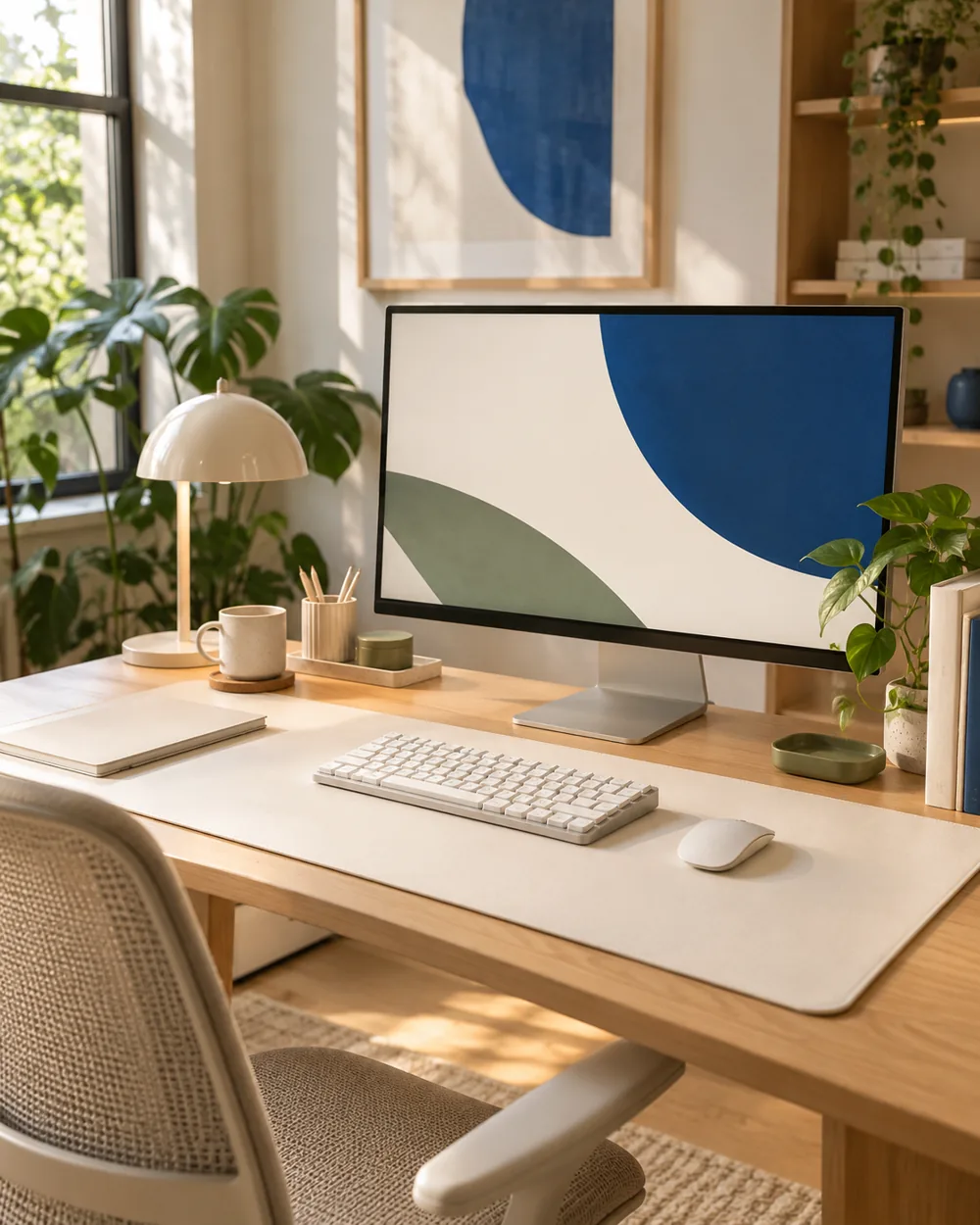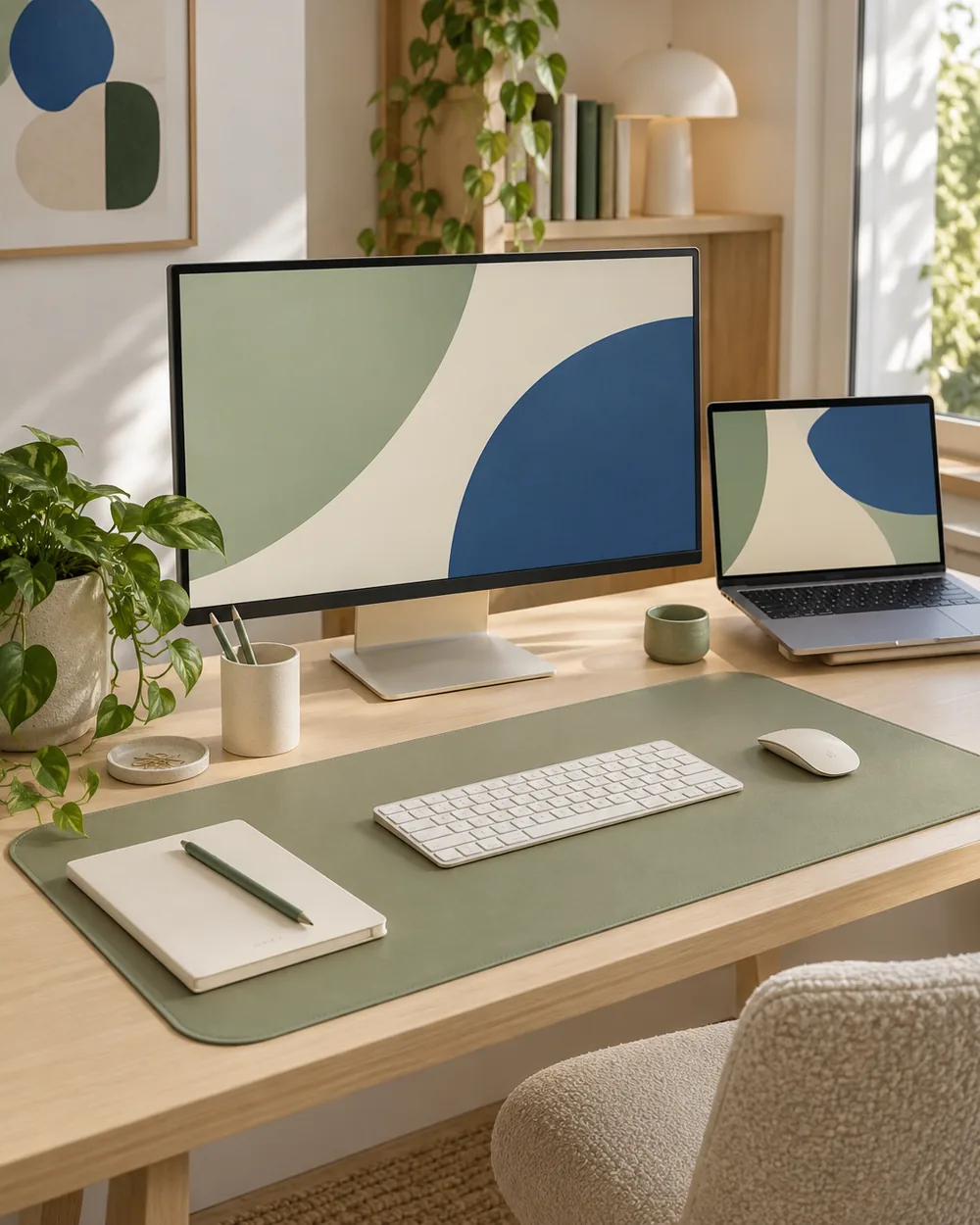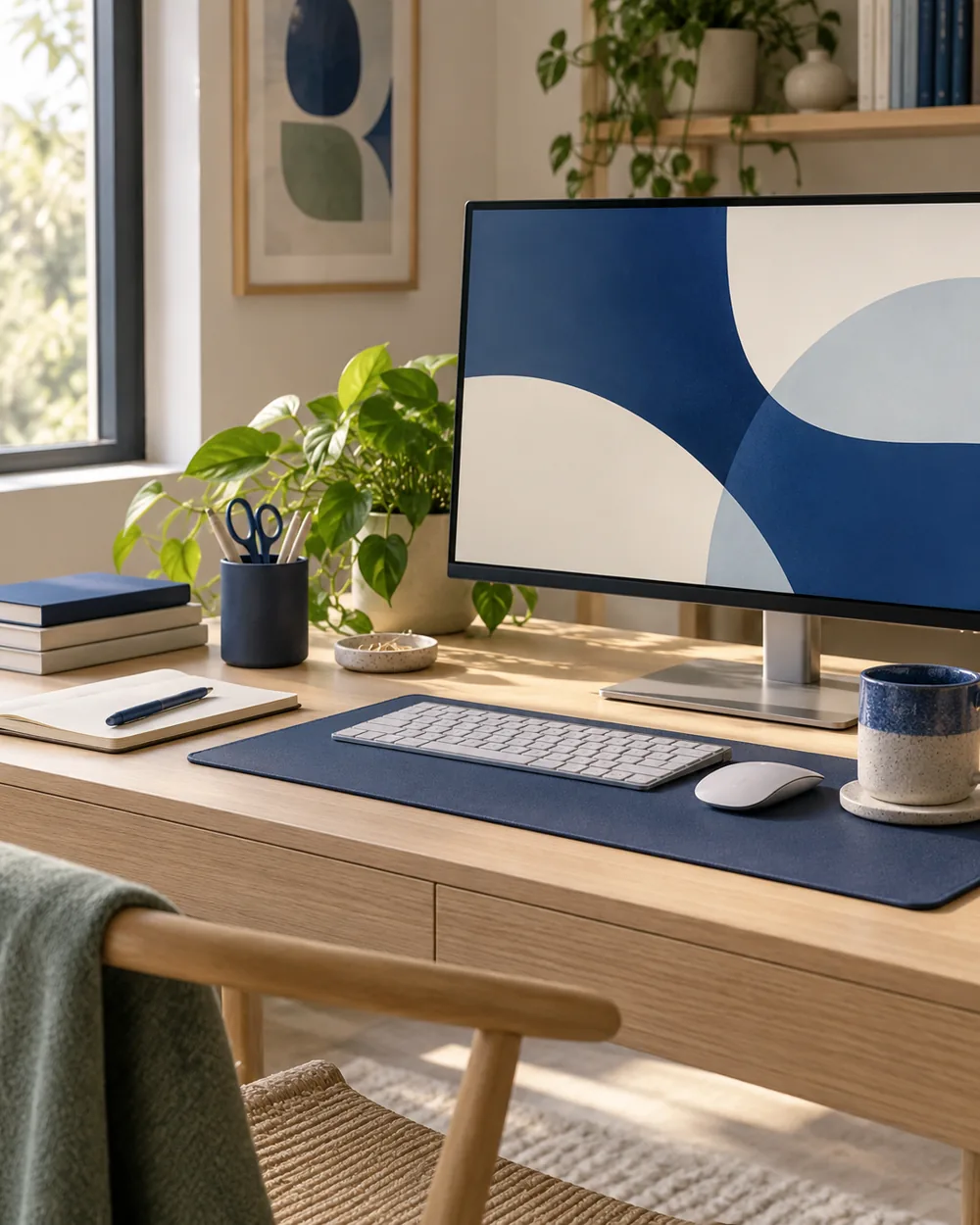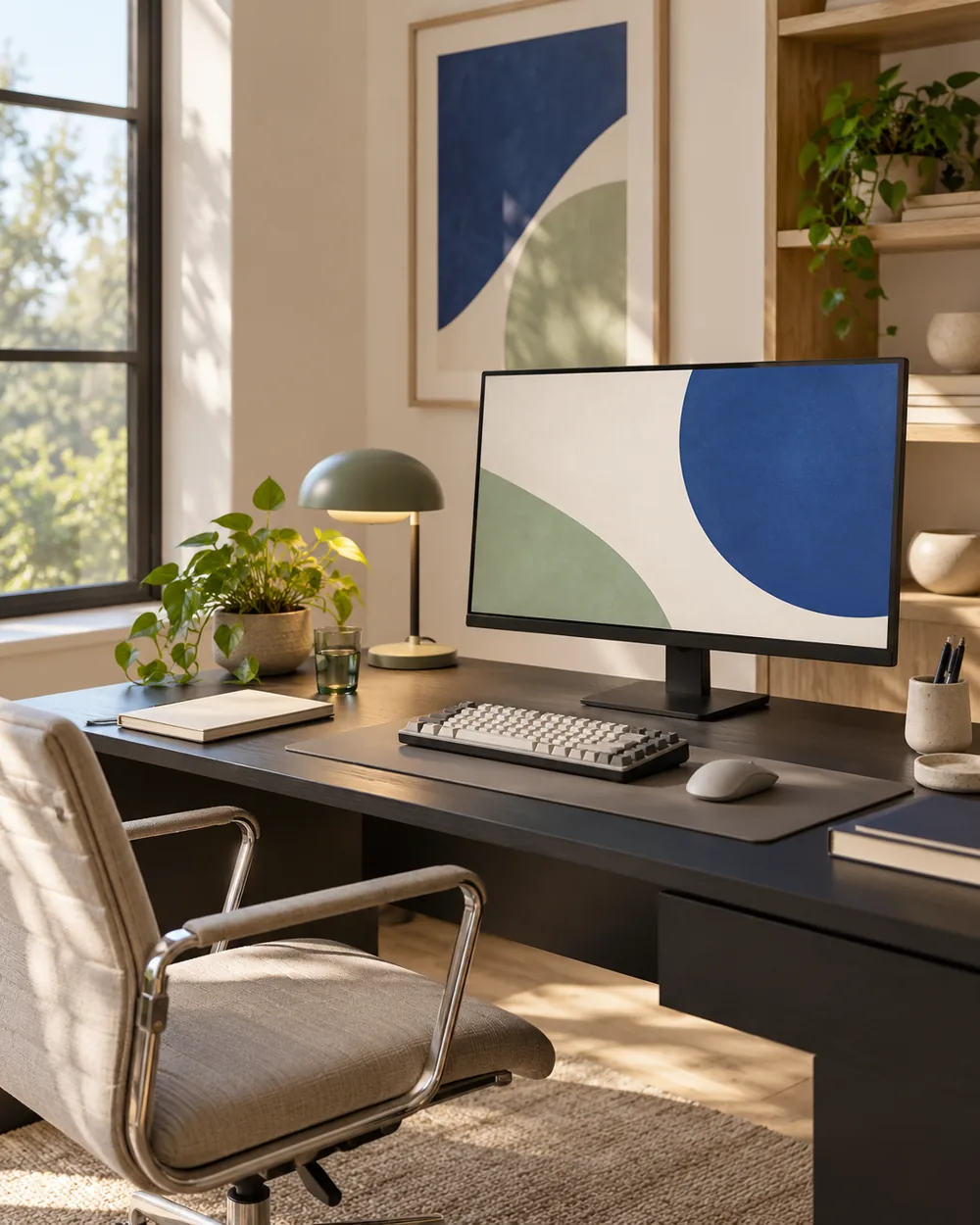
Begin with the working set
Set the necessary objects on the dark surface with enough separation around each. Keep the screen content abstract or private information out of view while making a reference image.
Compare one visual change
Look at the outline of the keyboard, mat, and closed cases. If two dark surfaces merge, try a small difference in tone or position rather than stacking another object between them.
Observe the actual arrangement
Compare an overall photo with a closer detail view. A brighter photograph is not automatically a better description of the real setup; retain enough context to show where the working area sits.
Keep a useful reference
Save a useful reference and note the actual light conditions. This is a visual arrangement exercise, not a claim about screen calibration, eye comfort, or the performance of any dark accessory.
A couple of useful questions
Do I need to buy the objects in the picture?
No. The AI image is an editorial concept, not a product listing. Begin with your own suitable objects and actual dimensions.
Is this a tested equipment or health recommendation?
No. These are visual planning notes, not product tests or prescribed ergonomic settings. Use the actual maker instructions and your own requirements for equipment decisions.