Make a private starting record
Close or conceal private documents using appropriate normal controls. Check notifications, visible account names, room details, paper notes, and reflections as separate parts of the frame.
Try a small structure
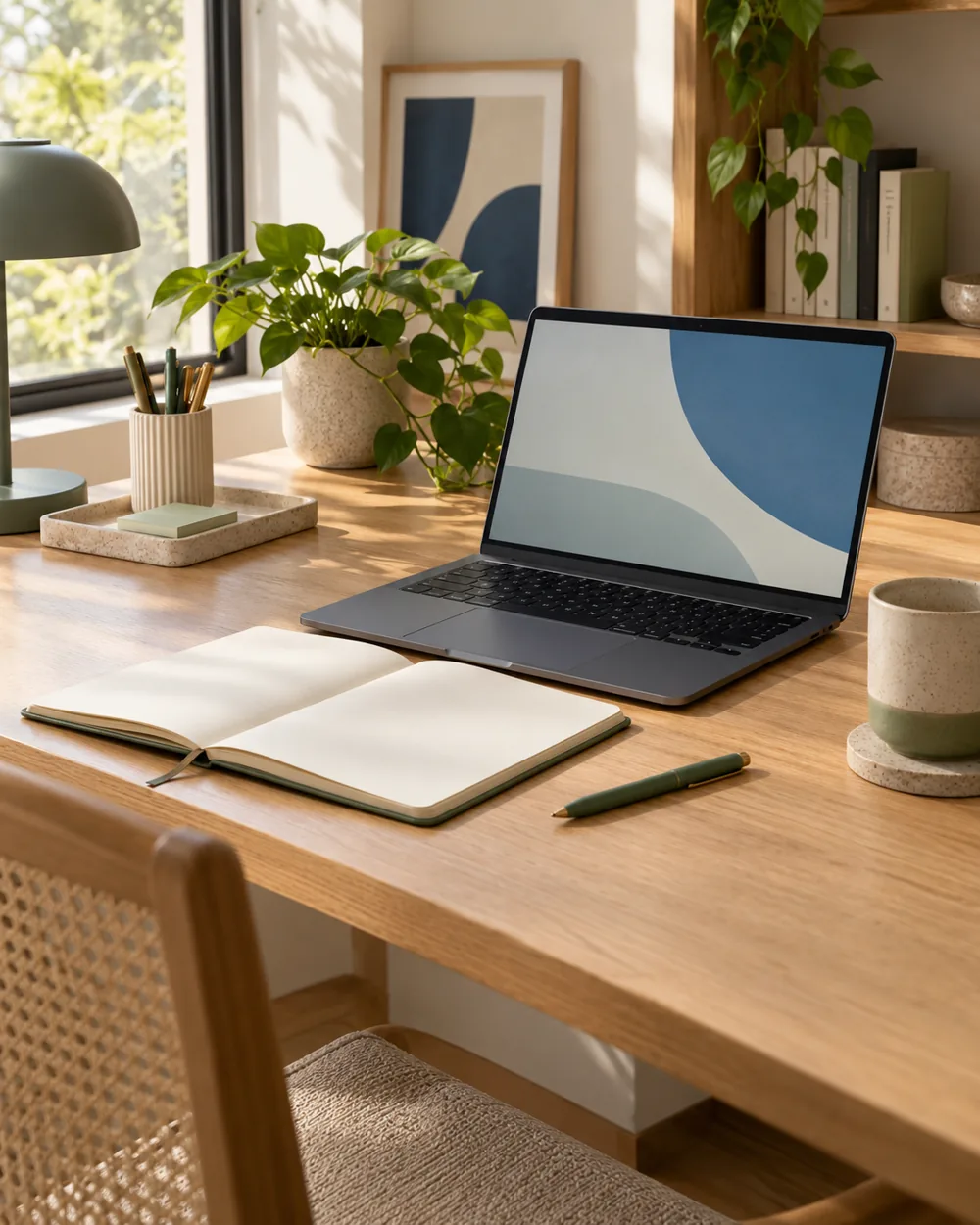
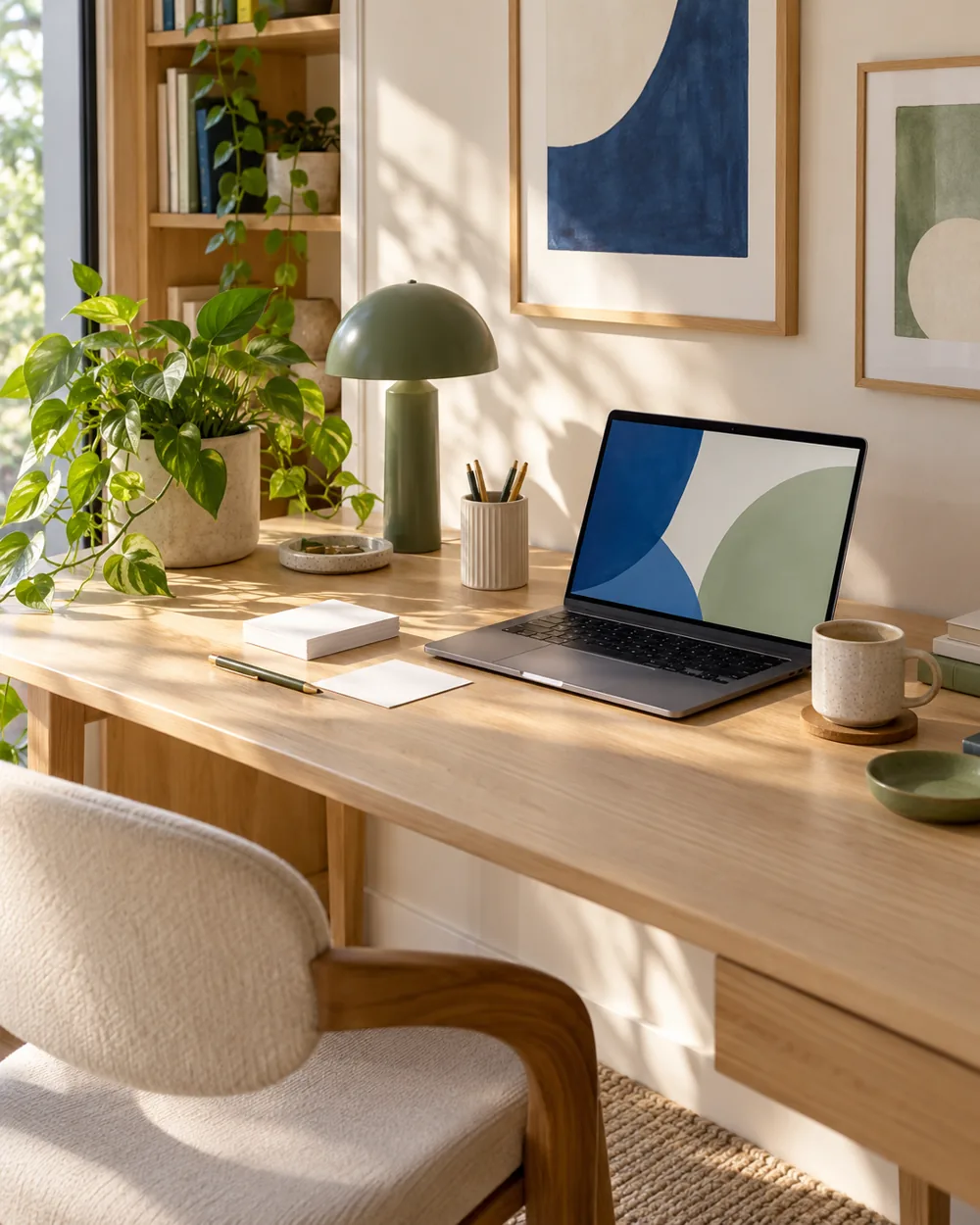
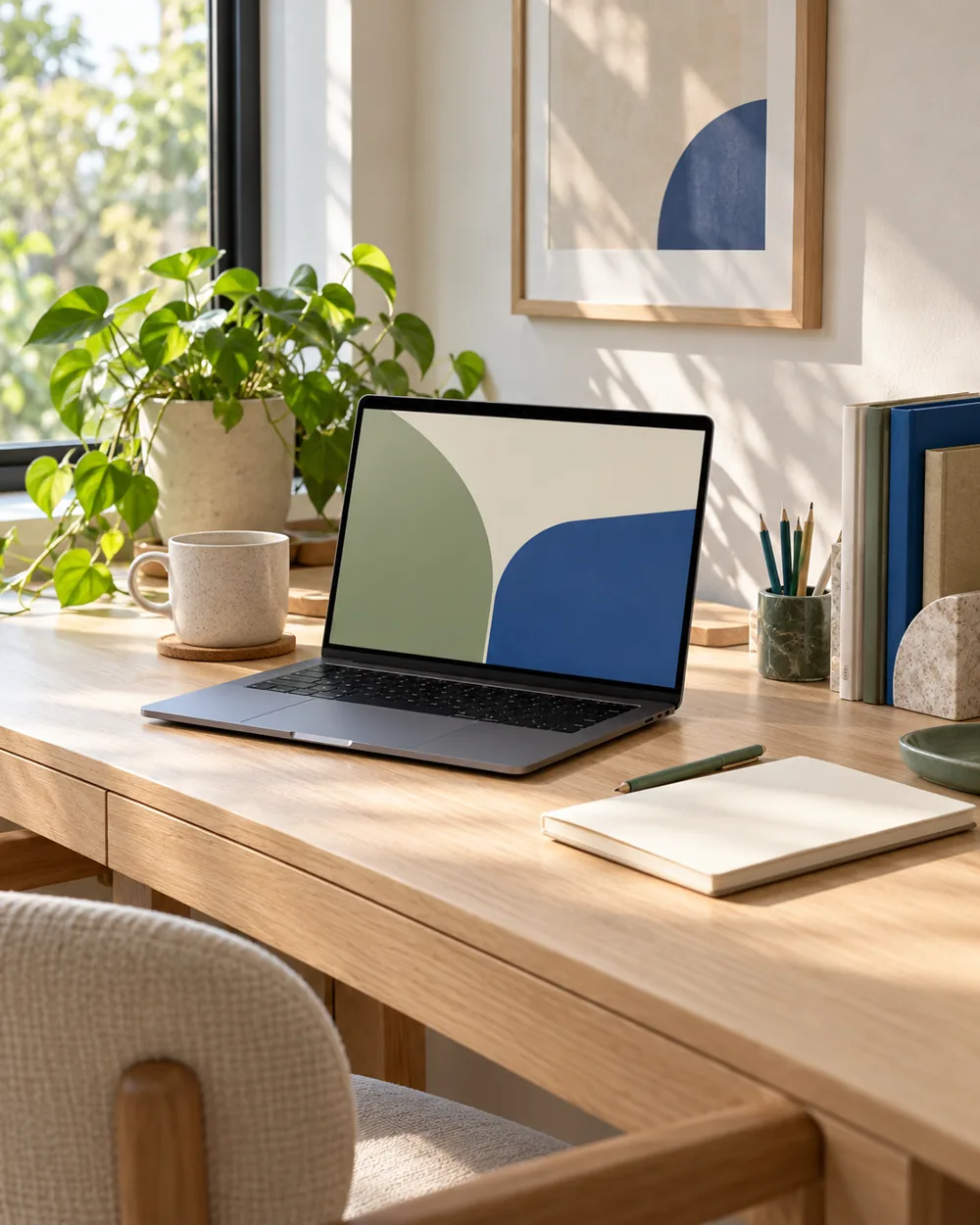
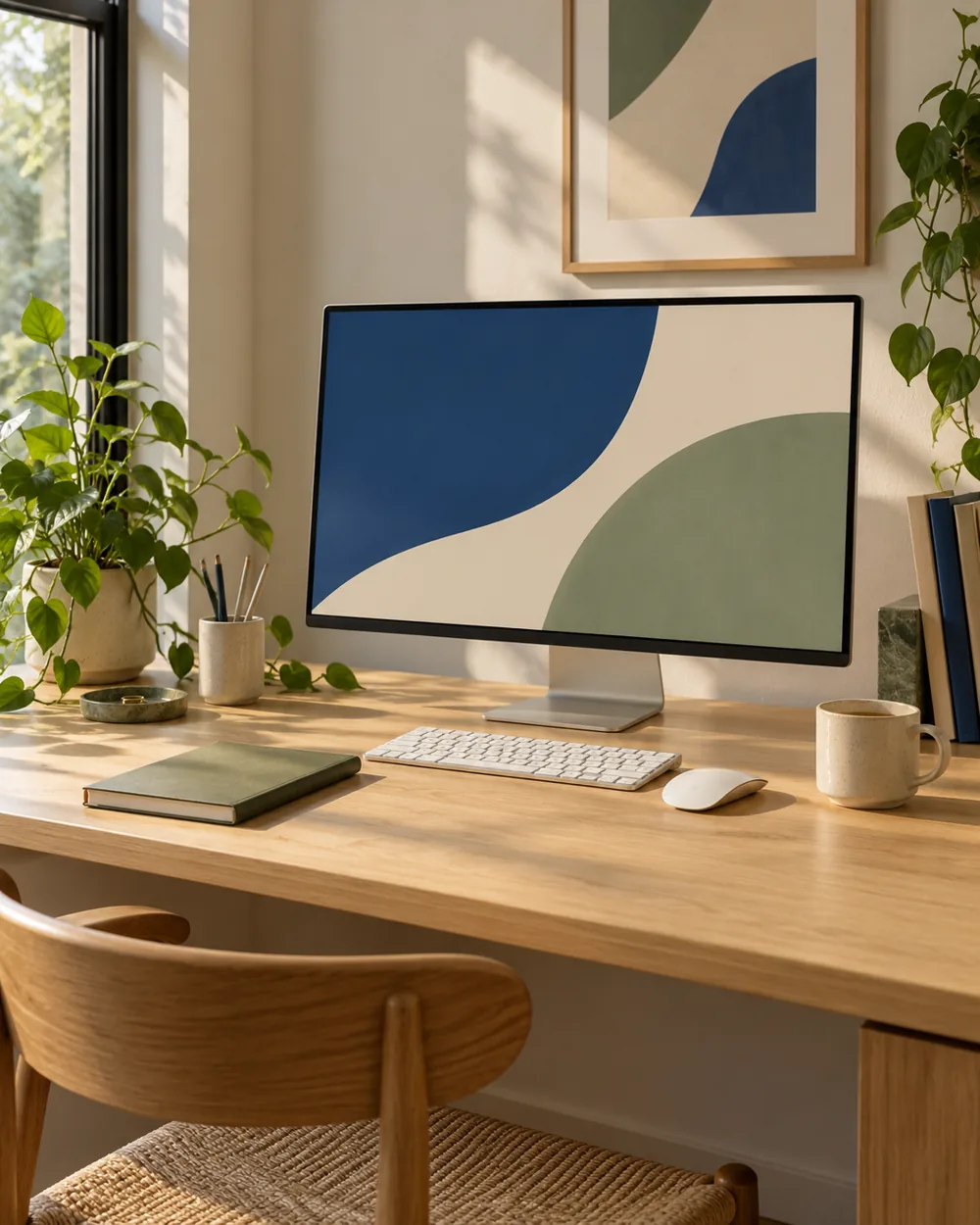
Use an abstract wallpaper or another suitable nonprivate display state. Keep the reference focused on the equipment arrangement rather than the files it contains.
Review the actual result
Inspect the captured image at a readable size before sharing it. A small thumbnail can hide details that remain visible in the full-resolution photograph.
Keep the next action clear
Keep the original reference private if it contains information you need to retain. A clean-looking screen is not by itself evidence that the whole photograph is safe to publish.
A couple of useful questions
Do I need to buy the objects in the picture?
No. The AI image is an editorial concept, not a product listing. Begin with your own suitable objects and actual dimensions.
Is this a tested equipment or health recommendation?
No. These are visual planning notes, not product tests or prescribed ergonomic settings. Use the actual maker instructions and your own requirements for equipment decisions.
Official references
- Microsoft — Change the desktop background in Windows ↗
- Microsoft — Personalize your colors in Windows ↗
- Microsoft — Use multiple monitors in Windows ↗
- Apple — Change the wallpaper on Mac ↗
Menu options and supported behavior vary by device and system version.