Make a private starting record
List the few destinations you open most often and the information you genuinely need at that moment. Keep passwords, private account details, and sensitive links out of the plan.
Try a small structure
Check the options available in your browser’s official settings and guidance. Avoid assuming an extension is necessary merely to obtain a plain background or fewer shortcuts.
Review the actual result
Try one small change and use it for ordinary browsing. Notice whether the destinations remain easy to find before adding further widgets or visual elements.
Keep the next action clear
Keep the arrangement you understand. This guide is a visual planning exercise and does not review extensions, their permissions, or their privacy practices.
A couple of useful questions
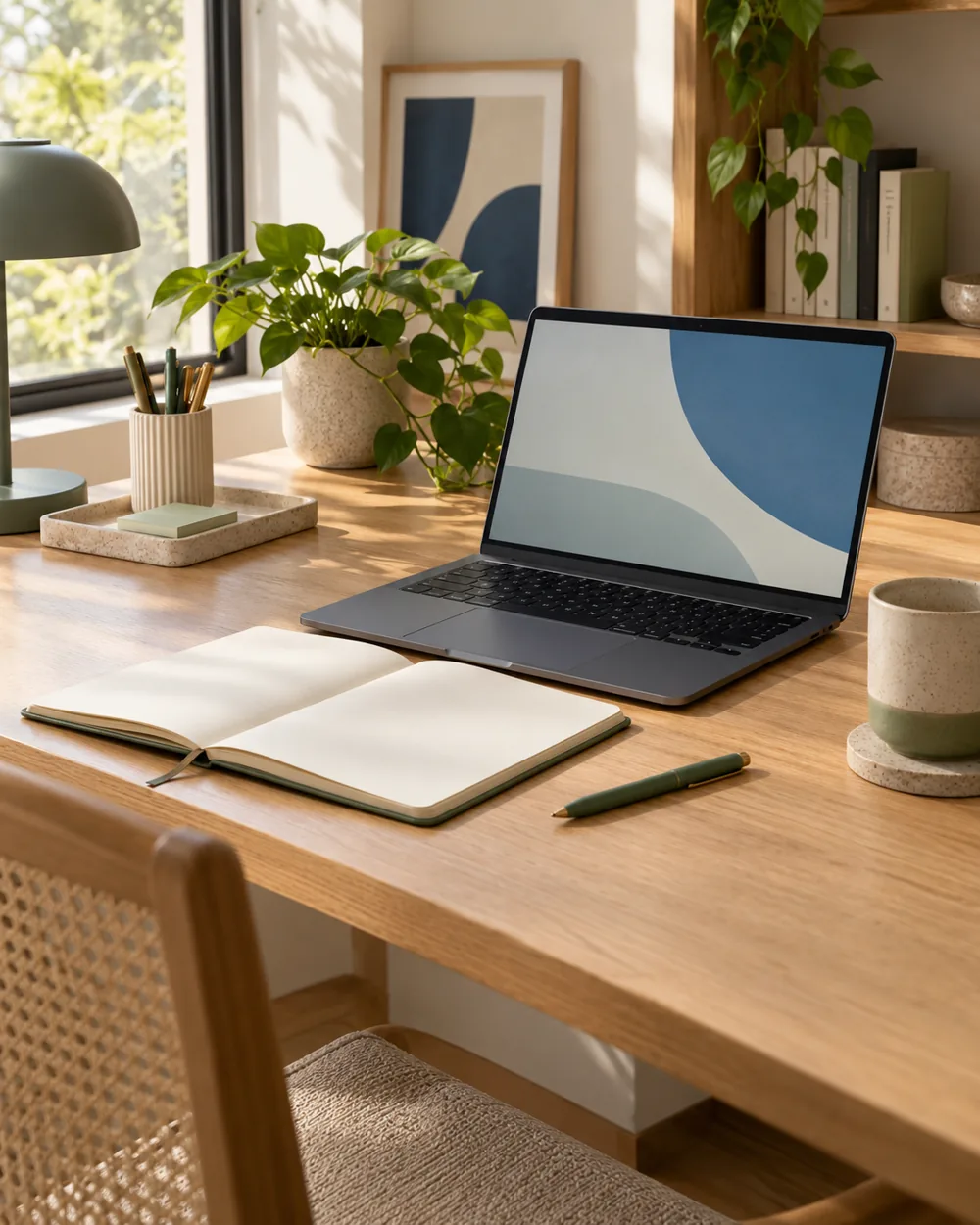
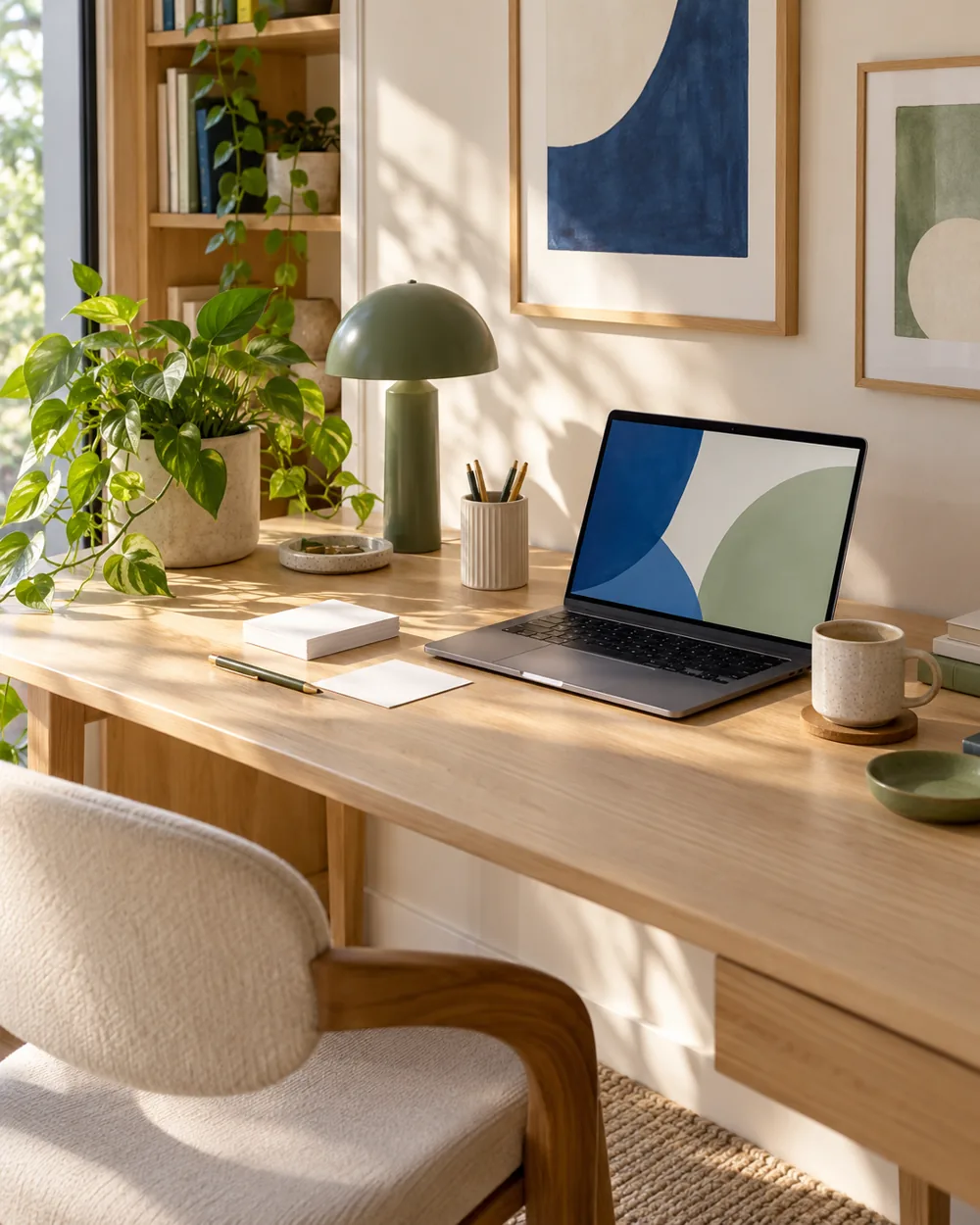
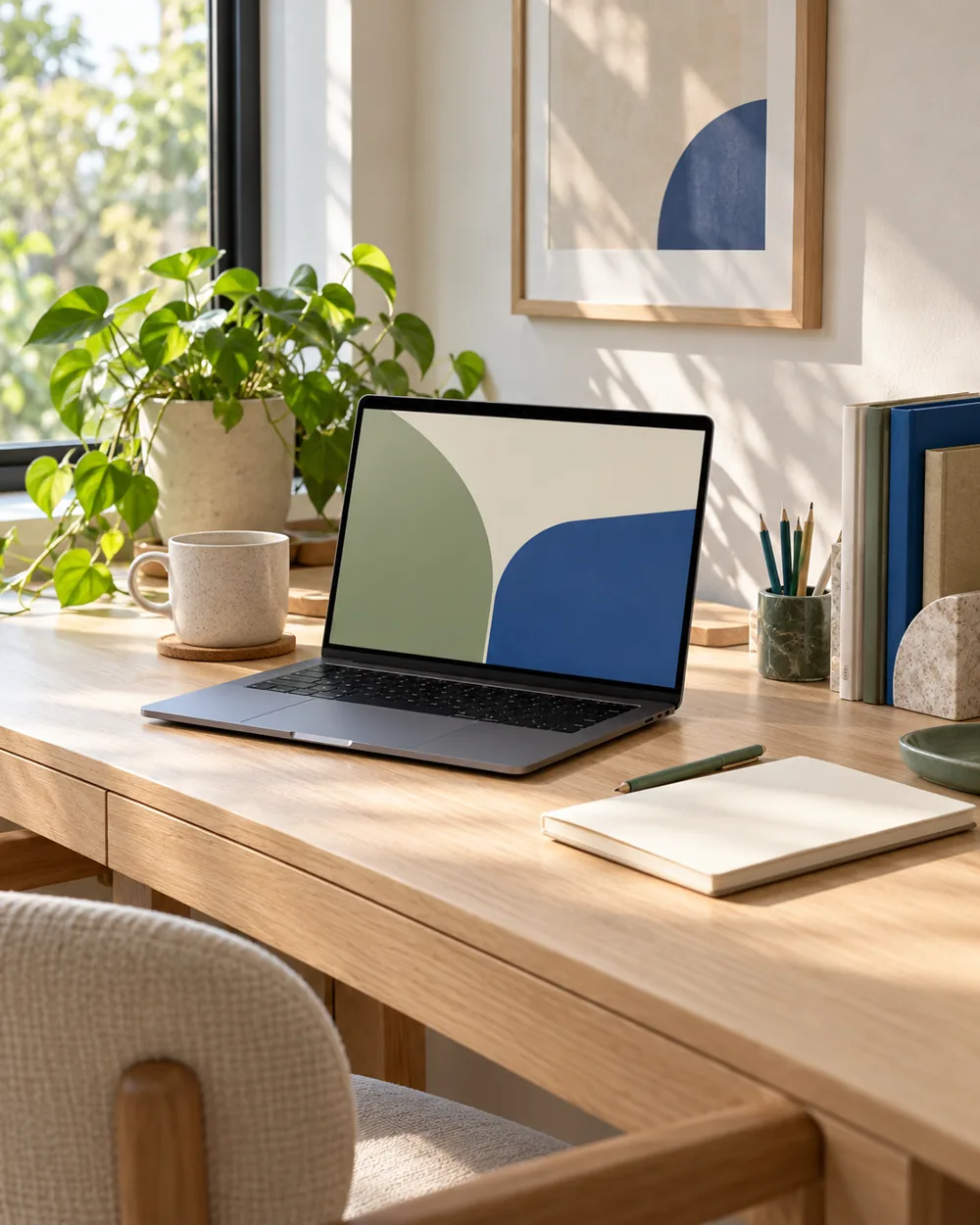
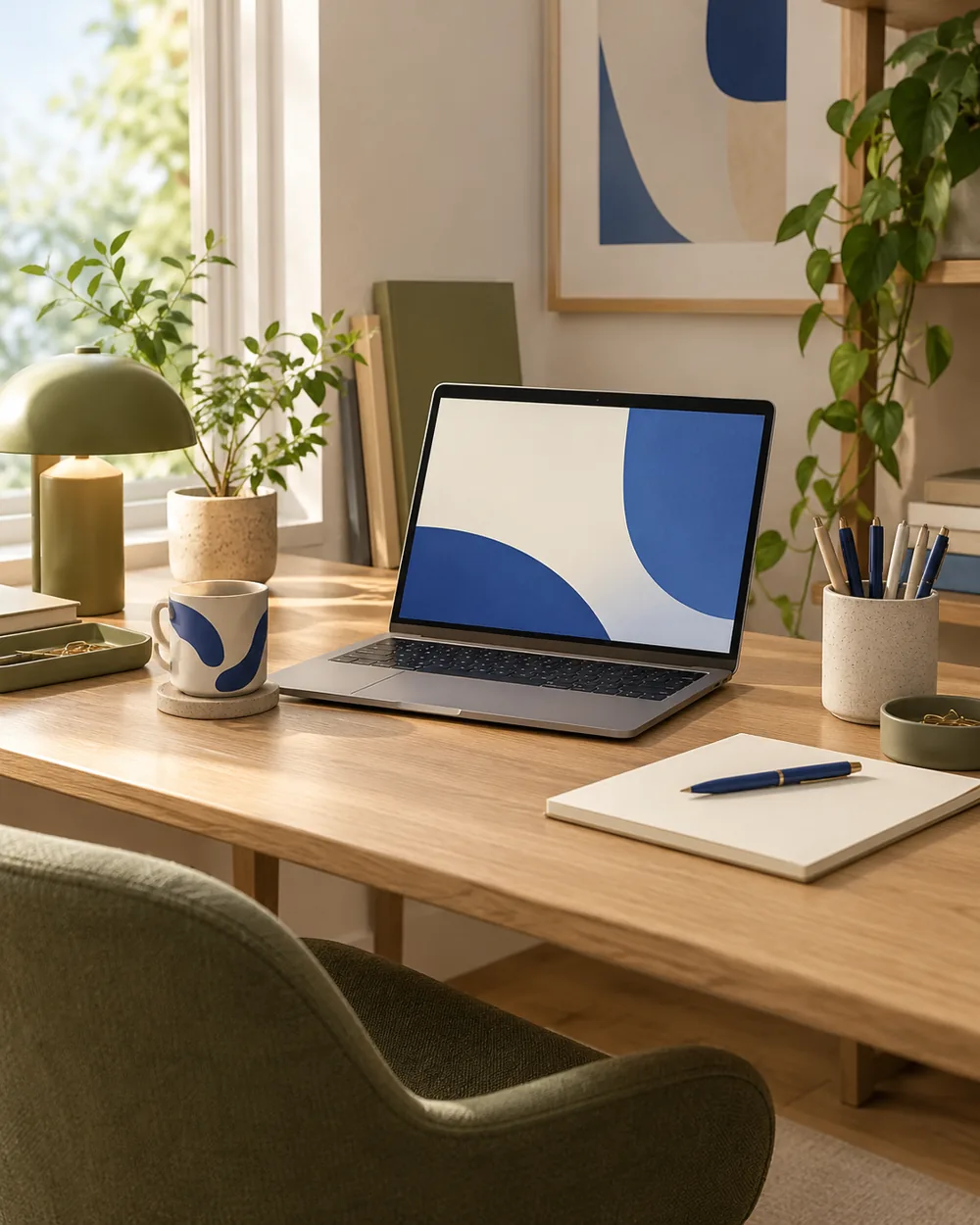
Do I need to buy the objects in the picture?
No. The AI image is an editorial concept, not a product listing. Begin with your own suitable objects and actual dimensions.
Is this a tested equipment or health recommendation?
No. These are visual planning notes, not product tests or prescribed ergonomic settings. Use the actual maker instructions and your own requirements for equipment decisions.
Official references
- Microsoft — Change the desktop background in Windows ↗
- Microsoft — Personalize your colors in Windows ↗
- Microsoft — Use multiple monitors in Windows ↗
- Apple — Change the wallpaper on Mac ↗
Menu options and supported behavior vary by device and system version.