Make a private starting record
Make a private note of the shortcuts and files you use regularly. Distinguish shortcuts from their target files rather than assuming every icon represents a disposable copy.
Try a small structure
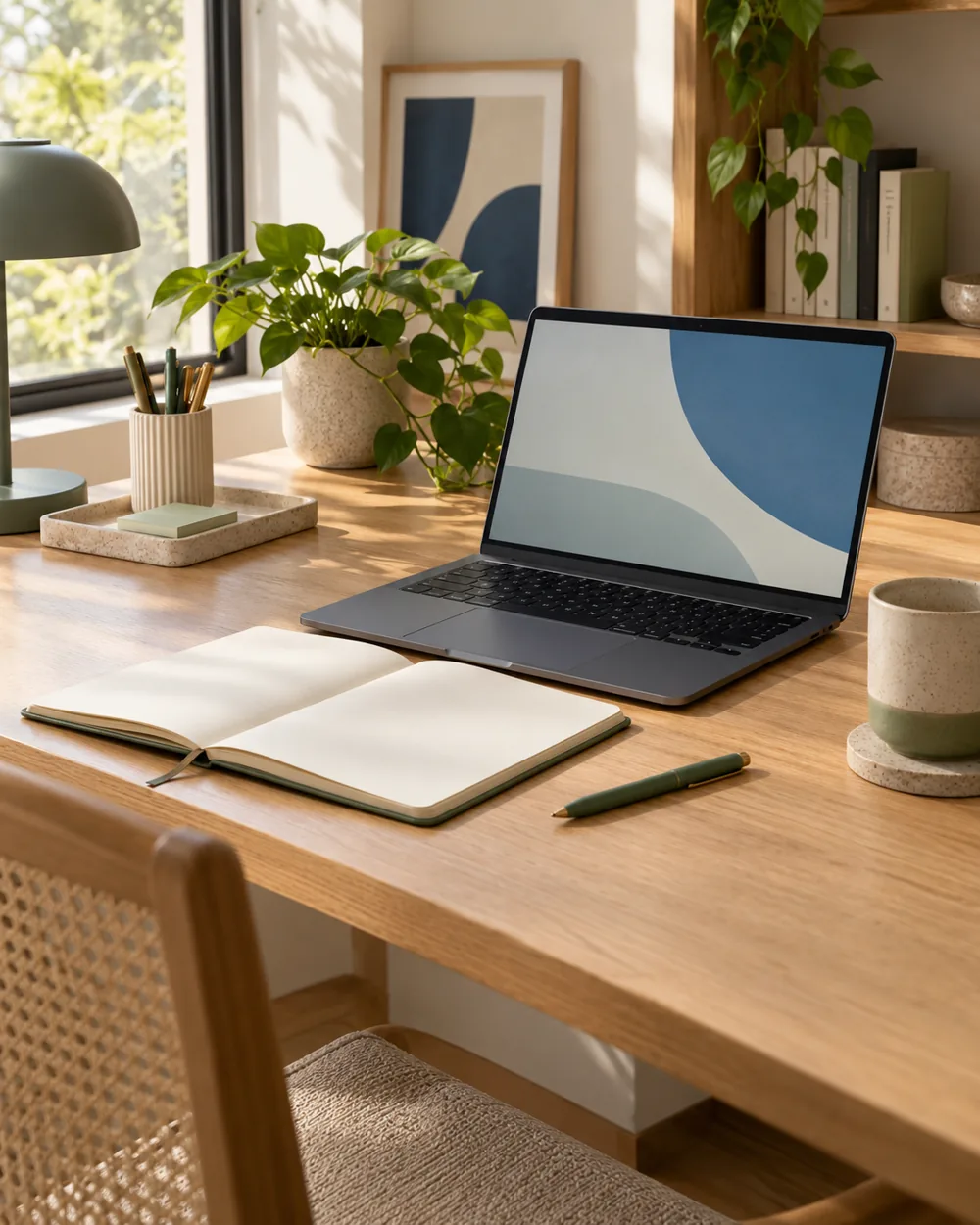
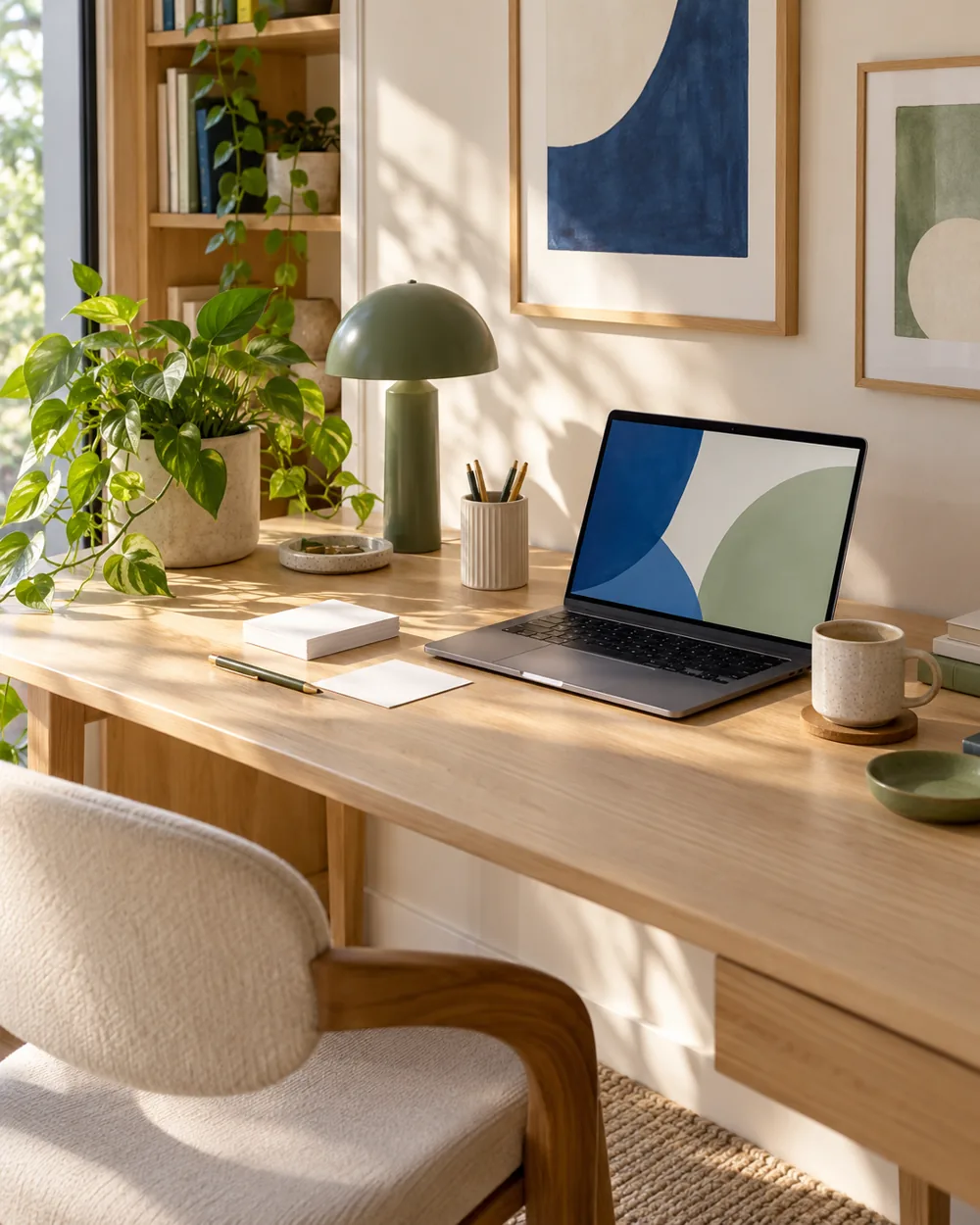
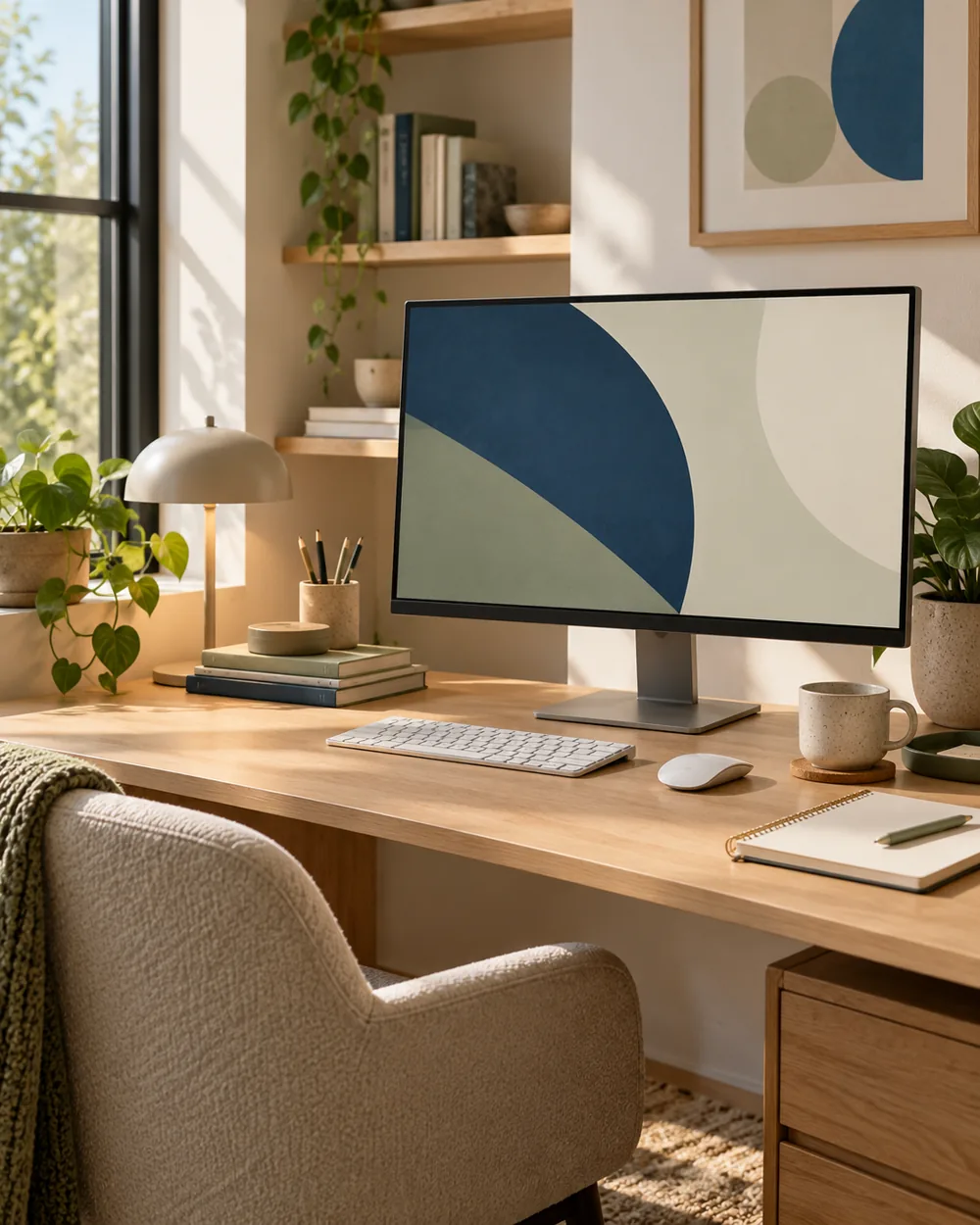
Preview the new background while keeping useful items in place. Check whether labels cross a detailed or high-contrast part of the artwork.
Review the actual result
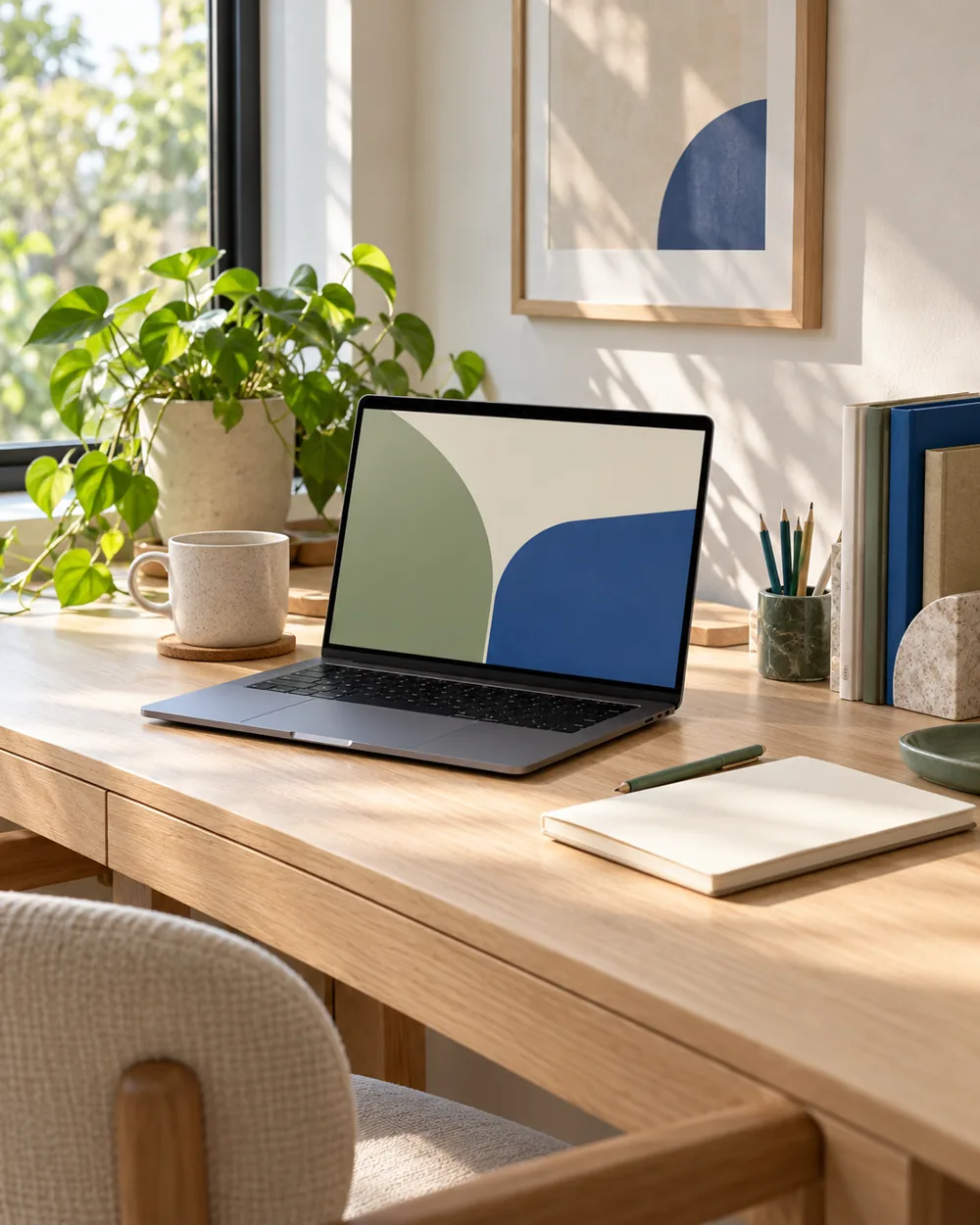
If the image makes the desktop harder to read, compare a simpler background or another fit. Keep the useful arrangement as the starting point for the visual choice.
Keep the next action clear
Record the wallpaper filename and the layout you kept. Do not remove unfamiliar desktop items solely to make a screenshot look cleaner.
A couple of useful questions
Do I need to buy the objects in the picture?
No. The AI image is an editorial concept, not a product listing. Begin with your own suitable objects and actual dimensions.
Is this a tested equipment or health recommendation?
No. These are visual planning notes, not product tests or prescribed ergonomic settings. Use the actual maker instructions and your own requirements for equipment decisions.
Official references
- Microsoft — Change the desktop background in Windows ↗
- Microsoft — Personalize your colors in Windows ↗
- Microsoft — Use multiple monitors in Windows ↗
- Apple — Change the wallpaper on Mac ↗
Menu options and supported behavior vary by device and system version.