Prepare the whole frame
Download the actual artwork from the wallpaper library rather than copying the monitor area out of the article image. Keep the original PNG identifiable.
Take the useful reference
Preview the file directly and apply it through your system’s ordinary background controls. Check cropping and the position of actual desktop items.
Check the final image
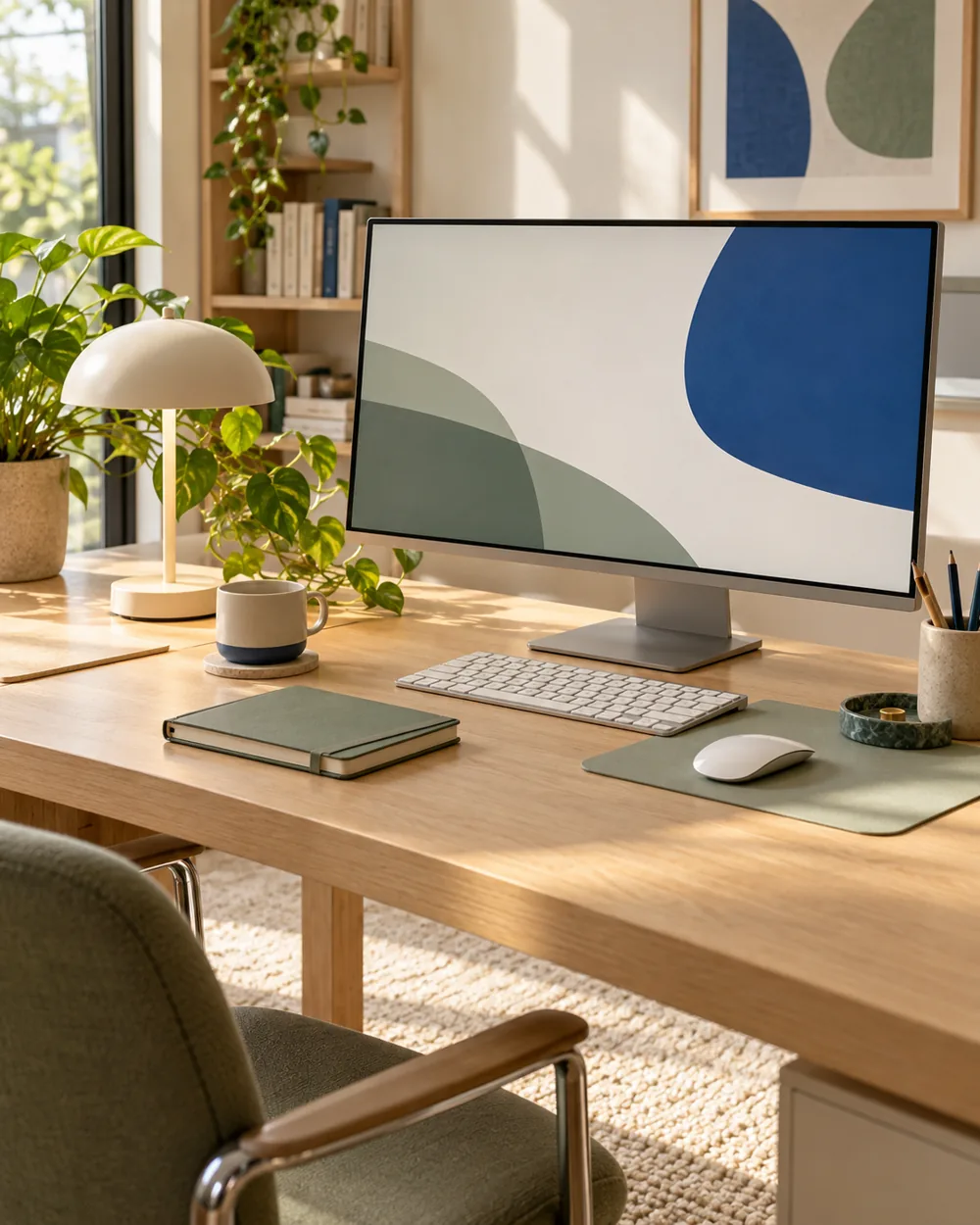
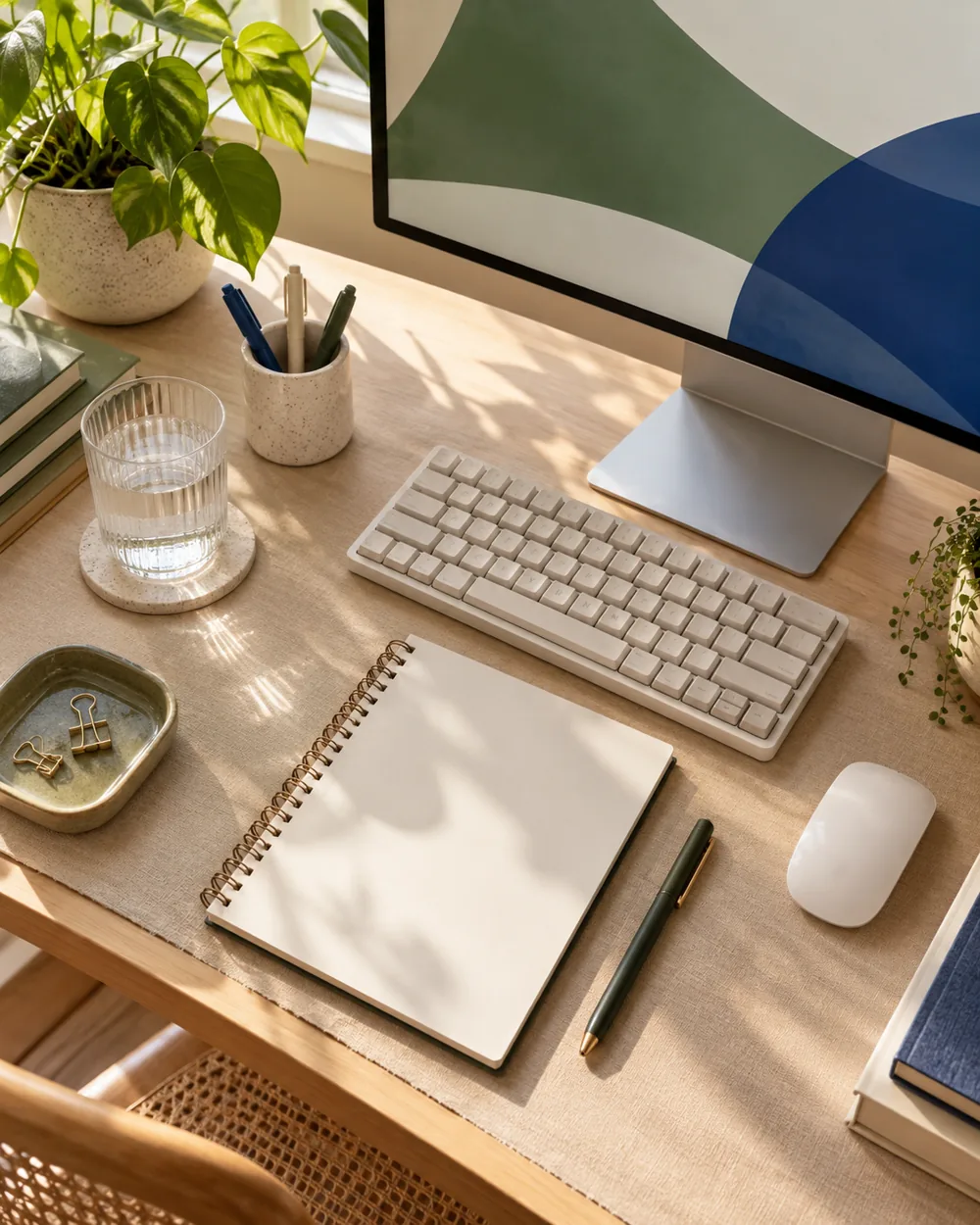
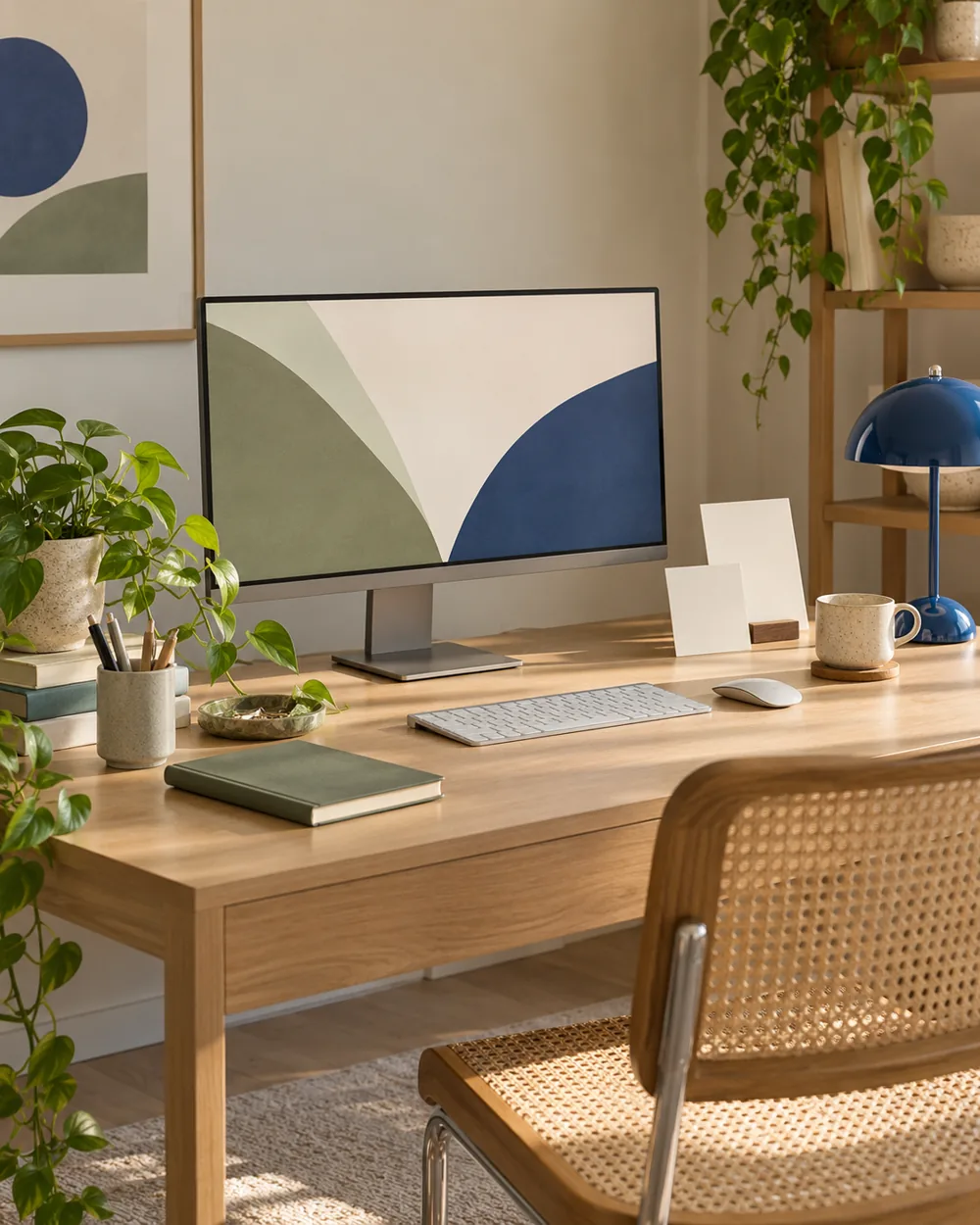
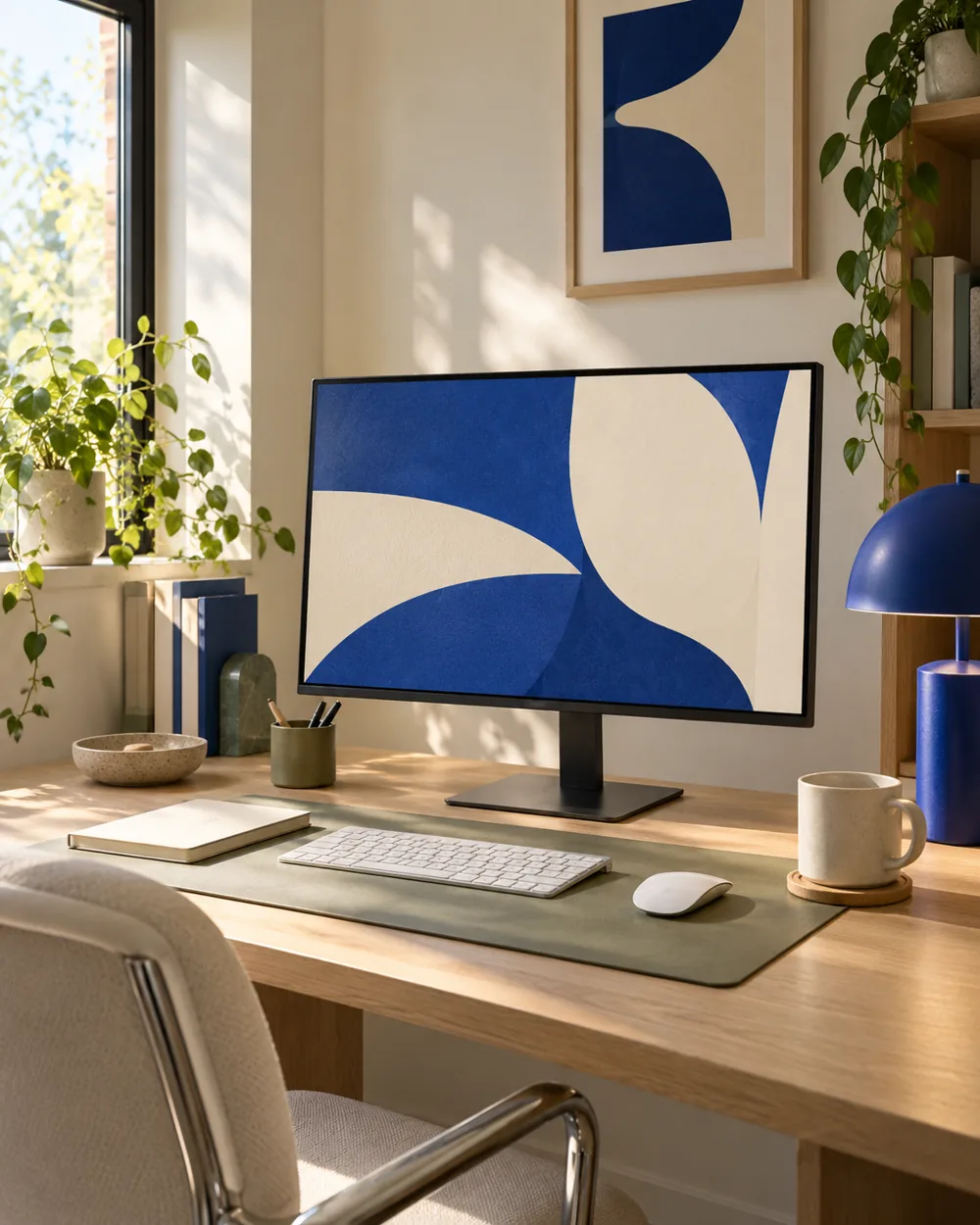
Use the AI article photograph for general palette and object-arrangement inspiration. Do not treat it as a calibrated screen reproduction or a guarantee of identical framing.
Save its context
Record the file and fit you choose. The distinction helps a visual reference remain useful without promising the same colors on every device.
A couple of useful questions
Do I need to buy the objects in the picture?
No. The AI image is an editorial concept, not a product listing. Begin with your own suitable objects and actual dimensions.
Is this a tested equipment or health recommendation?
No. These are visual planning notes, not product tests or prescribed ergonomic settings. Use the actual maker instructions and your own requirements for equipment decisions.